

Start solo before you hand over control to anyone else, that’s the one piece of advice that saves people the most frustration with a new remote-controlled vibrator. Once you know your own toy, pairing an app-controlled vibrator to a partner’s phone, playing with it in the same room, or running it across a genuine long-distance connection all get a lot easier. Here’s how to go from unboxing it to actually using it well, plus five remote vibrator games worth trying once you’re both comfortable.
Quick Start: Setting Up Before Anyone Else Touches It
Eight steps take you from a fresh unboxing to your first solo session, and every section after this one walks through the reasoning behind each one in more depth.
Which Control Method Do You Actually Have?
Not every remote-controlled toy works the same way, and knowing which category yours falls into changes what’s actually possible before you plan a session around it.
| Control Method | Typical Range | Needs a Network? | Needs an Account? | Main Use |
|---|---|---|---|---|
| Body button | Direct contact with the toy | No | No | Solo use, backup control |
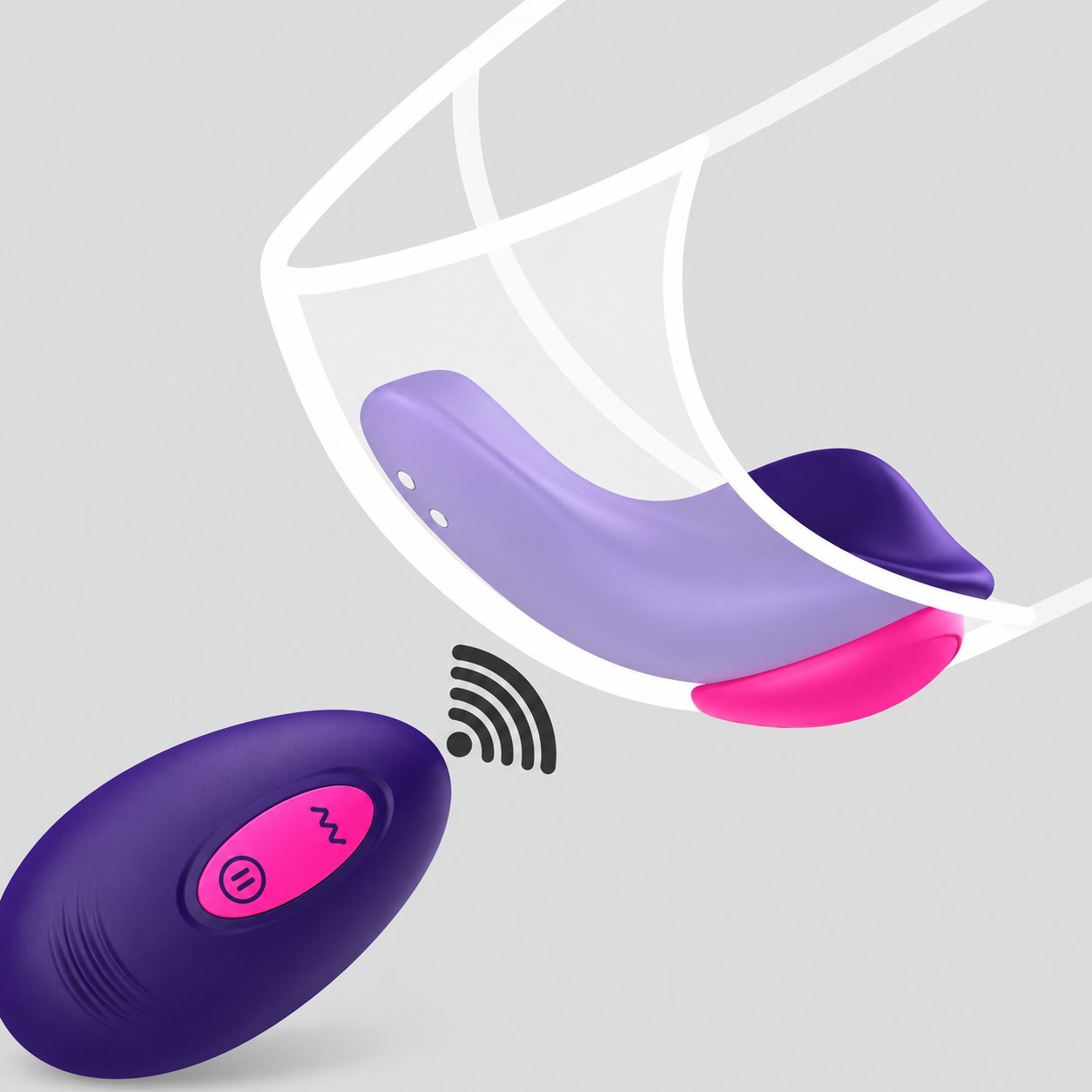
| Physical remote | Varies by model | No | No | Same-room partner control |
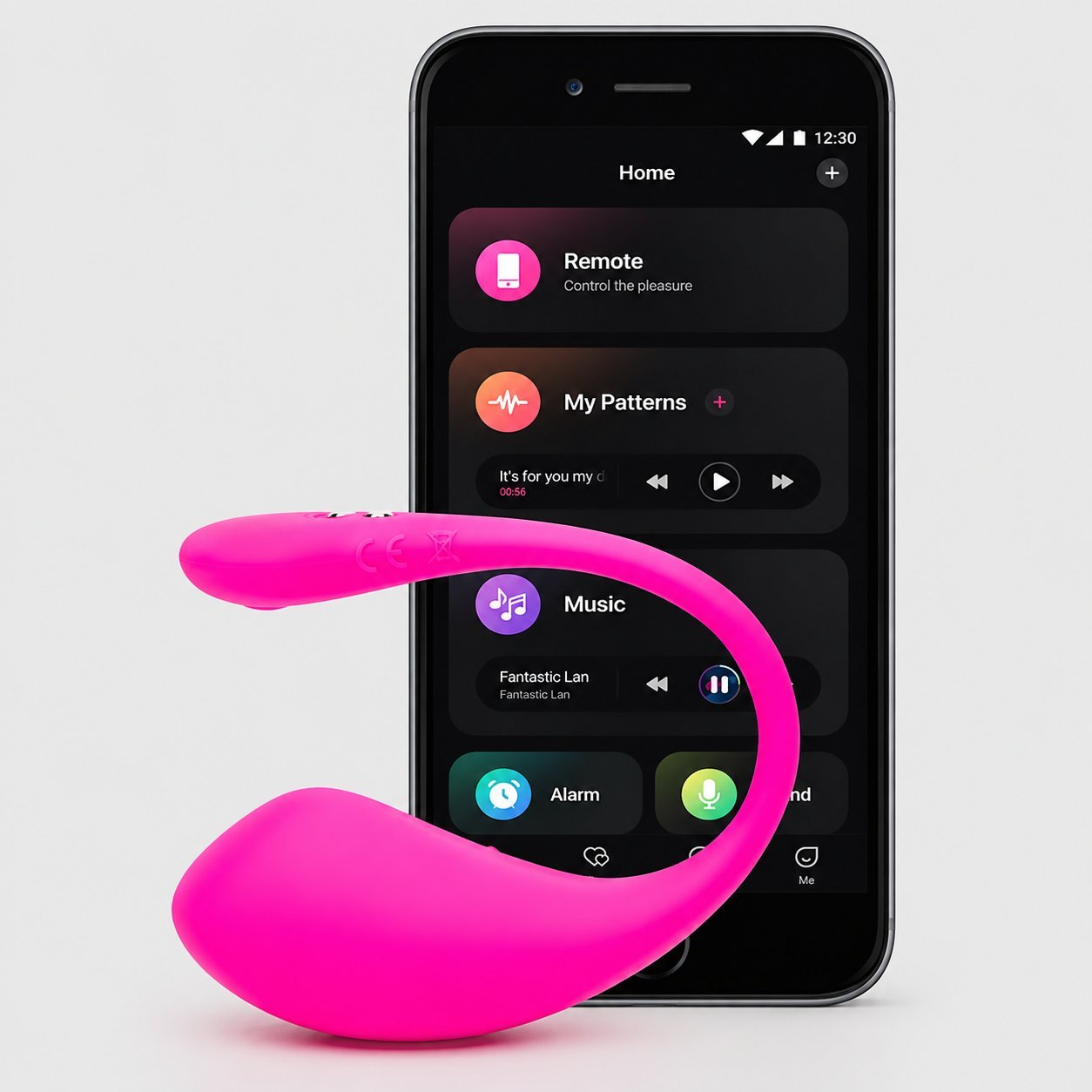
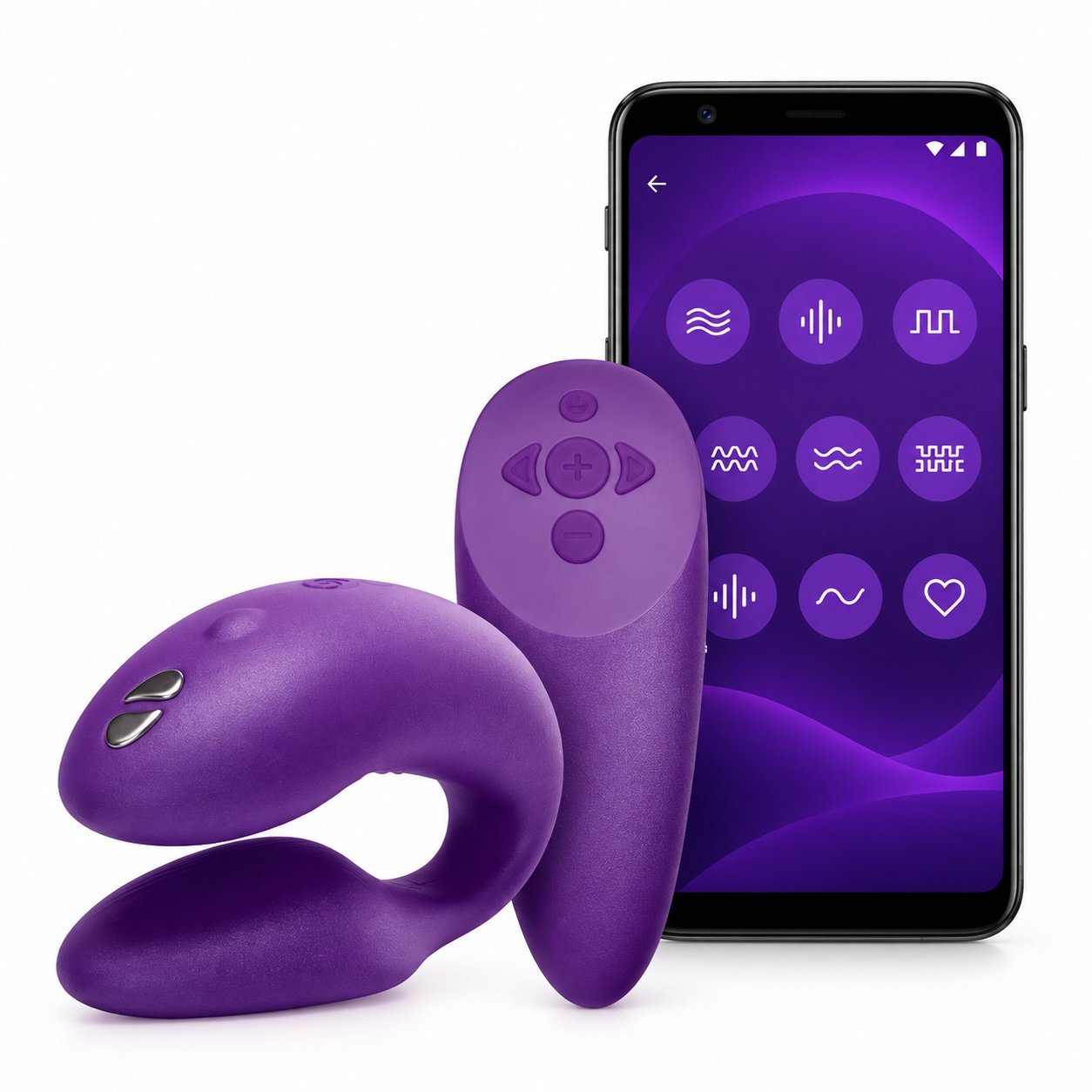
| Bluetooth app | Varies by model, phone, and environment | Usually not, Bluetooth is local | Depends on the app | Close-range phone control |
| Cloud or WiFi app control | No fixed distance limit in theory | sí | Usually yes | Long-distance partner control |
Exact range and features depend on the model, your phone, the app version, and your network environment, so treat this as a starting map rather than a guarantee for your specific toy.
New to App-Controlled Toys? Start Here
Give yourself a first session alone before anyone else touches the app. You’re not just testing the toy, you’re learning what each vibration mode actually feels like on your body, so you can tell a partner what you like instead of guessing together in real time later.
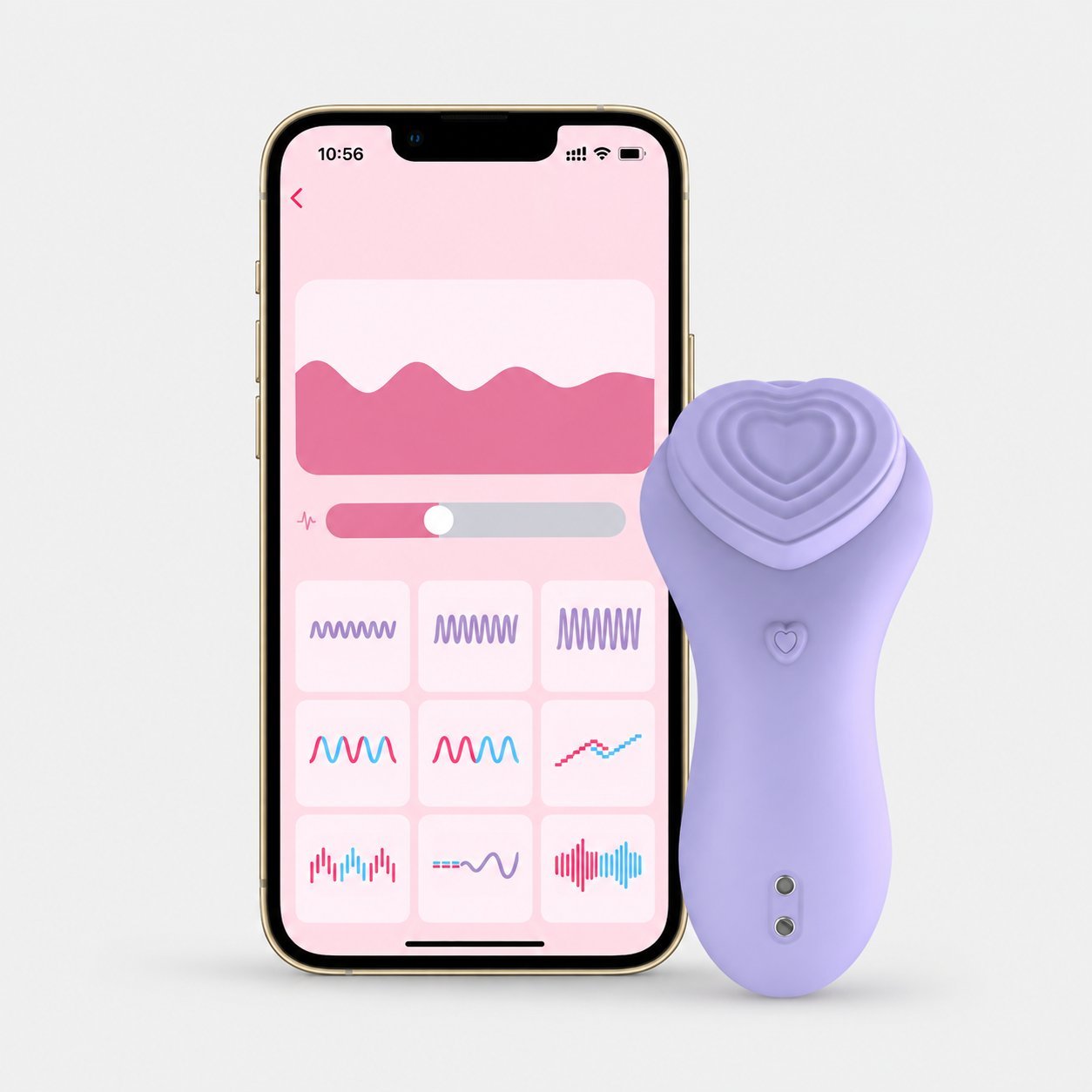
Pair the toy to your phone first, following whatever app your specific model uses. Most toys, WINYI’s Caroline panty vibrator (WY0630) included, keep a manual button on the toy itself as a backup, so you’re never locked out if your phone dies or the app misbehaves. Cycle through the modes slowly. Note which ones you’d actually want a partner controlling, and which ones you’d skip.
Only after that first solo session should you think about handing control to someone else. It’s a five-minute head start that makes every session after it better.
Solo Play: Getting Comfortable With the App
Once you’re paired, spend time in the app itself before you add a second person to the equation. Build a custom pattern if the app supports it, save your favorites, and get familiar enough with the interface that you’re not fumbling through menus mid-session.
Before Partner Control
- Learn the app interface until you can find any mode without thinking.
- Test every pattern or mode at least once and note how each one actually feels.
- Save favorites if your specific app supports it — not every app does.
- Walk around your space and see where your specific toy actually drops connection.
- Know how to stop manually in case the app or phone fails mid-session.
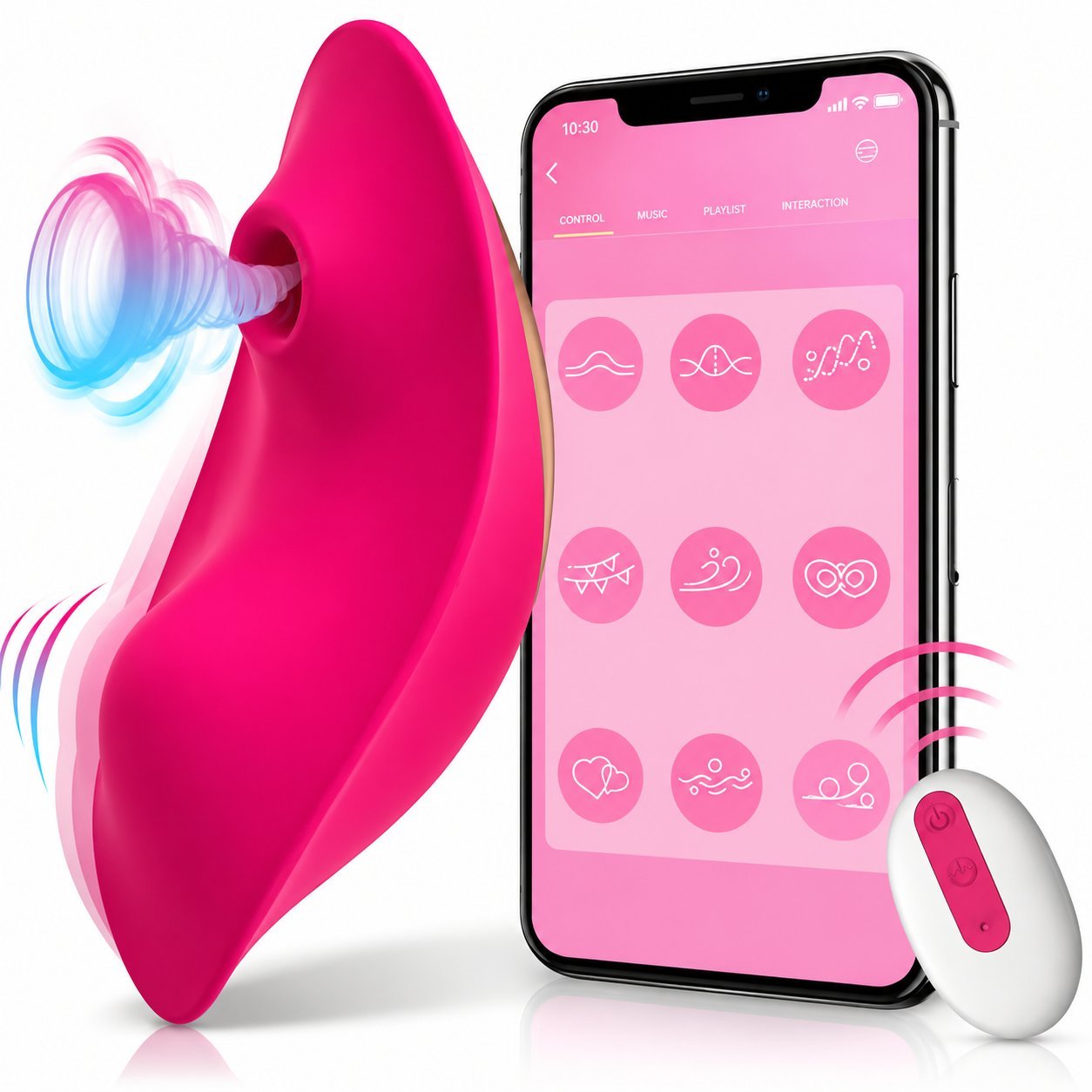
Check your toy’s actual range while you’re at it, but don’t assume a fixed number applies to your model. Bluetooth’s real-world range depends on transmit power, antenna design, and what’s in the way, walls, metal, even humidity all cut into it, and the Bluetooth SIG’s own range guidance puts the realistic spread anywhere from under a meter to well over a kilometer depending on the hardware. Walk around your own space and see where your specific toy actually drops connection instead of trusting a number from a listing. That test matters more once a partner is the one holding the phone.
Partner Play at Home
Handing over control the first time works best with a conversation first, not a surprise. Agree on a few basics: a stop signal, whether you want them cycling through modes freely or sticking to ones you’ve already tried solo, and whether you want to talk during it or stay quiet.
Before Handing Over Control
- Agree on a clear stop signal — a word or gesture that pauses everything.
- Discuss preferred modes and which ones to avoid.
- Decide how freely the partner can change settings vs sticking to ones you’ve already tried solo.
- Decide whether you want to talk during the session or stay quiet.
- Keep the manual control available so either of you can stop immediately.
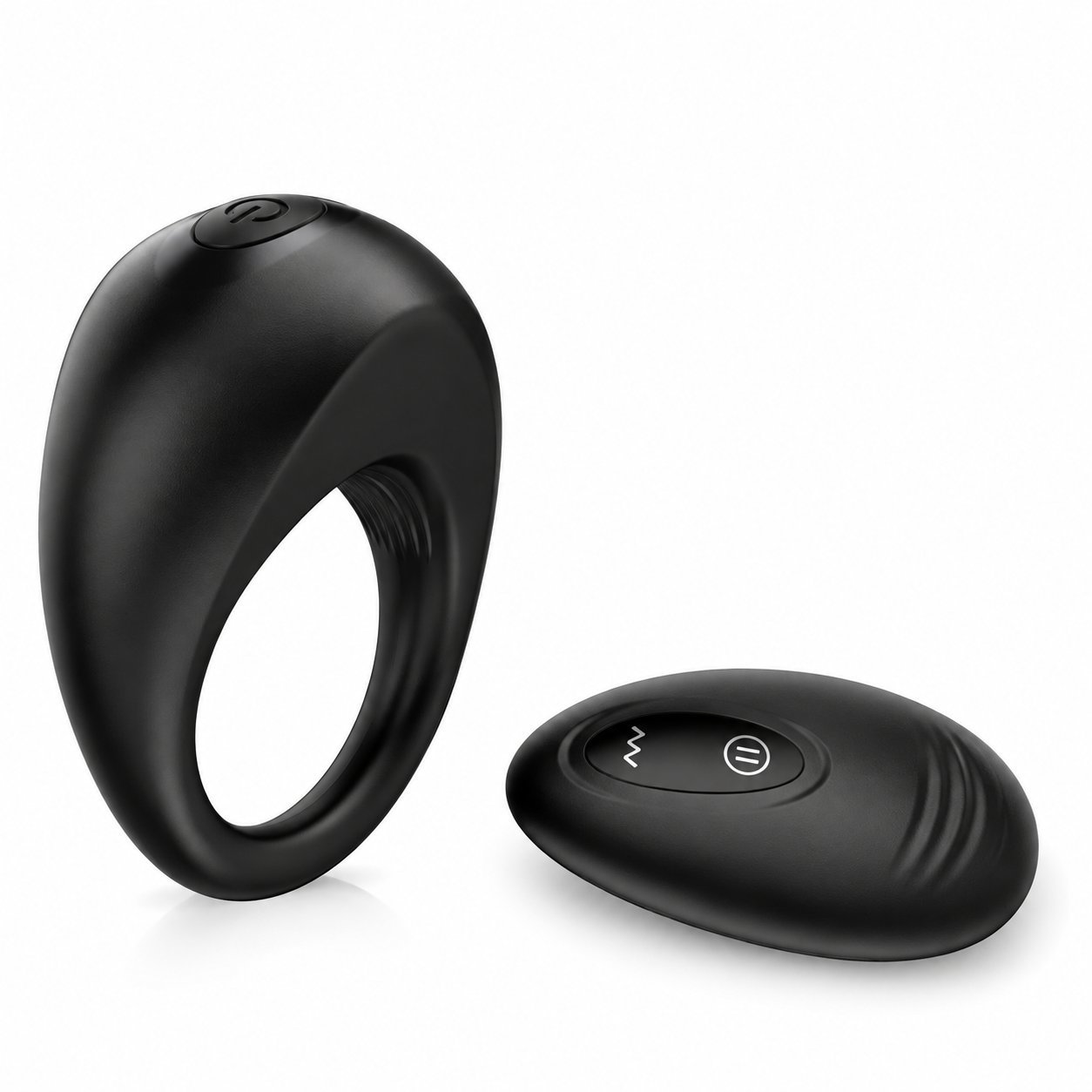
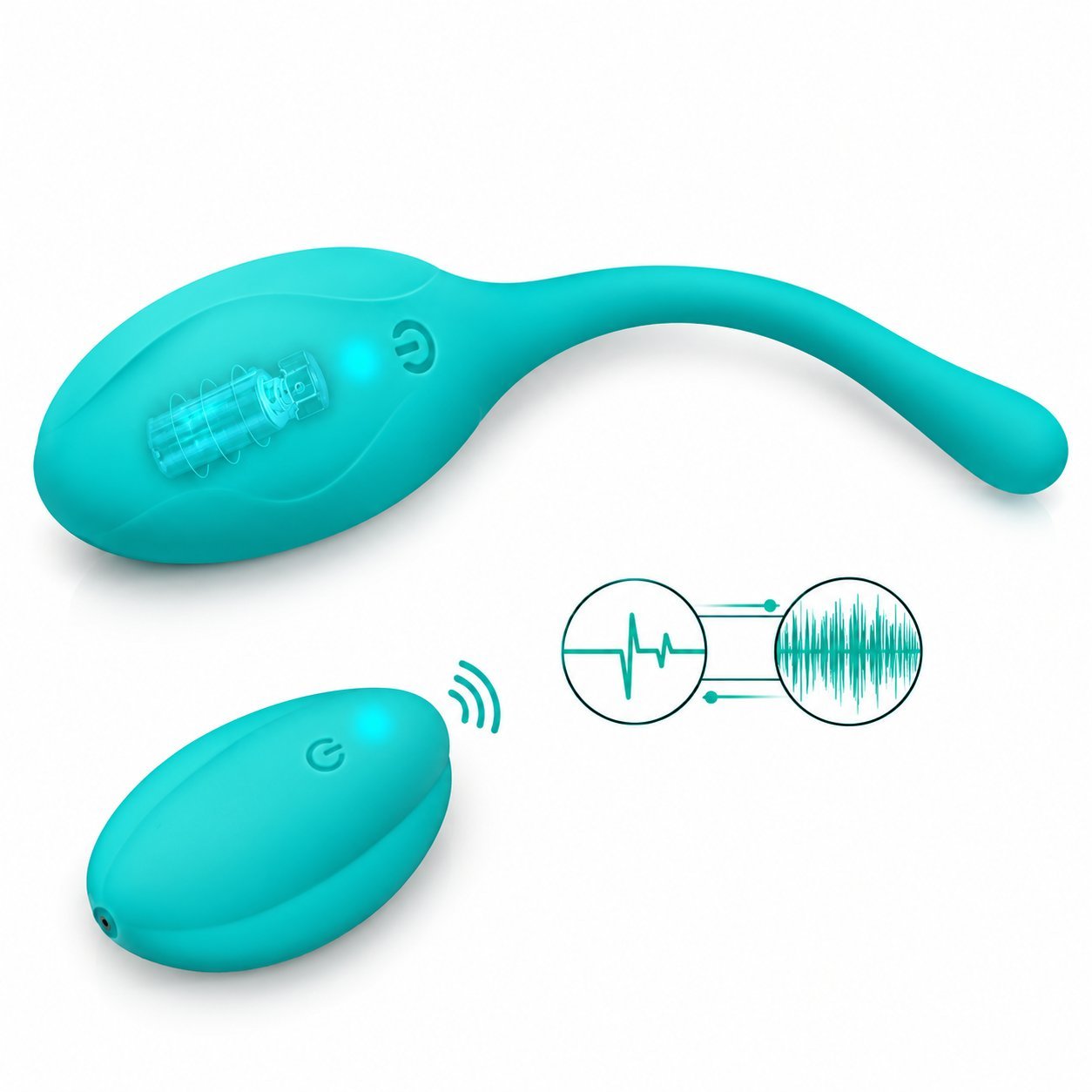
From there, let them experiment. Sitting across the room while your partner controls the toy is a different experience from being touched directly, and that gap is most of the appeal for a lot of couples using a remote vibrator together. If your toy has a physical remote instead of an app, like the Kitty egg vibrator, the same rule applies, just hand over the remote instead of the phone. For couples where he’s the one wearing the toy, the Alan cock ring flips the usual setup and works the same way in reverse.
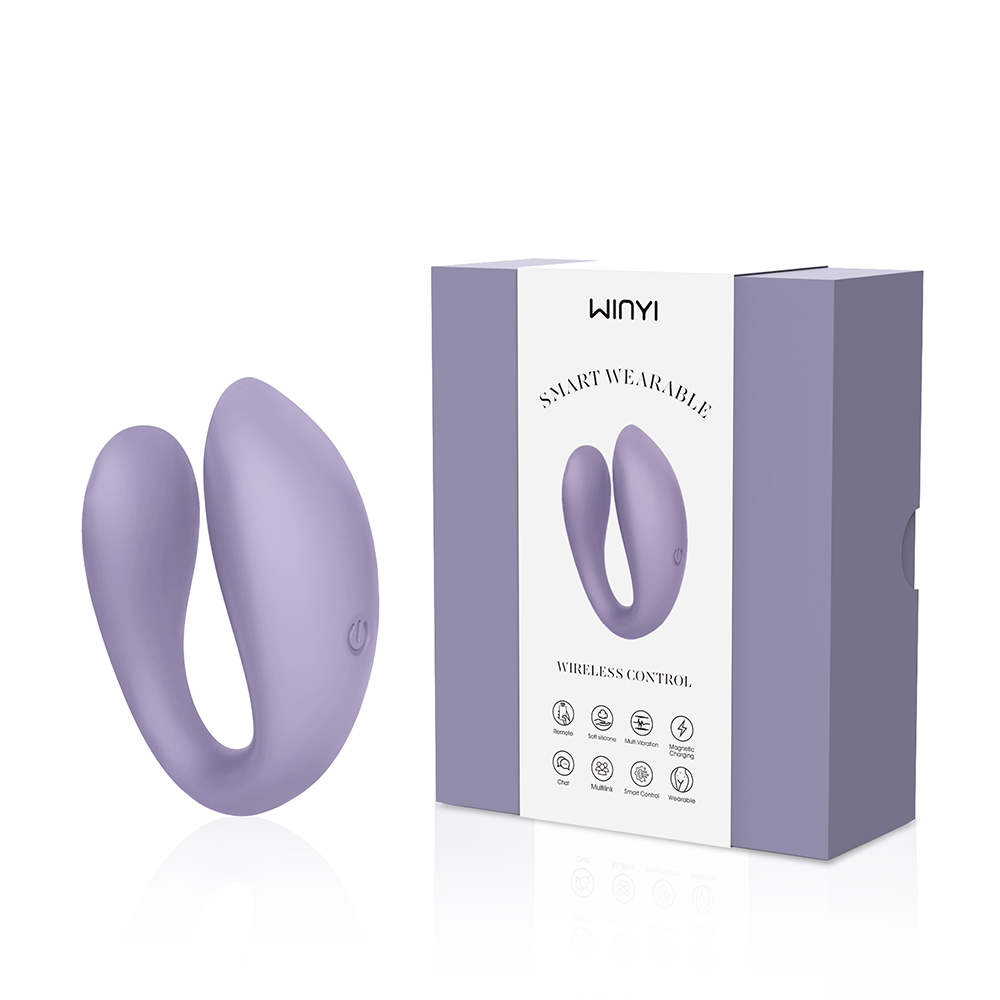
Helen (WY0553)
APP + PHYSICAL REMOTE
Dual-end U-shape with both a handheld remote and an app on the same toy. 10-frequency vibration modes available from either control method.
View Product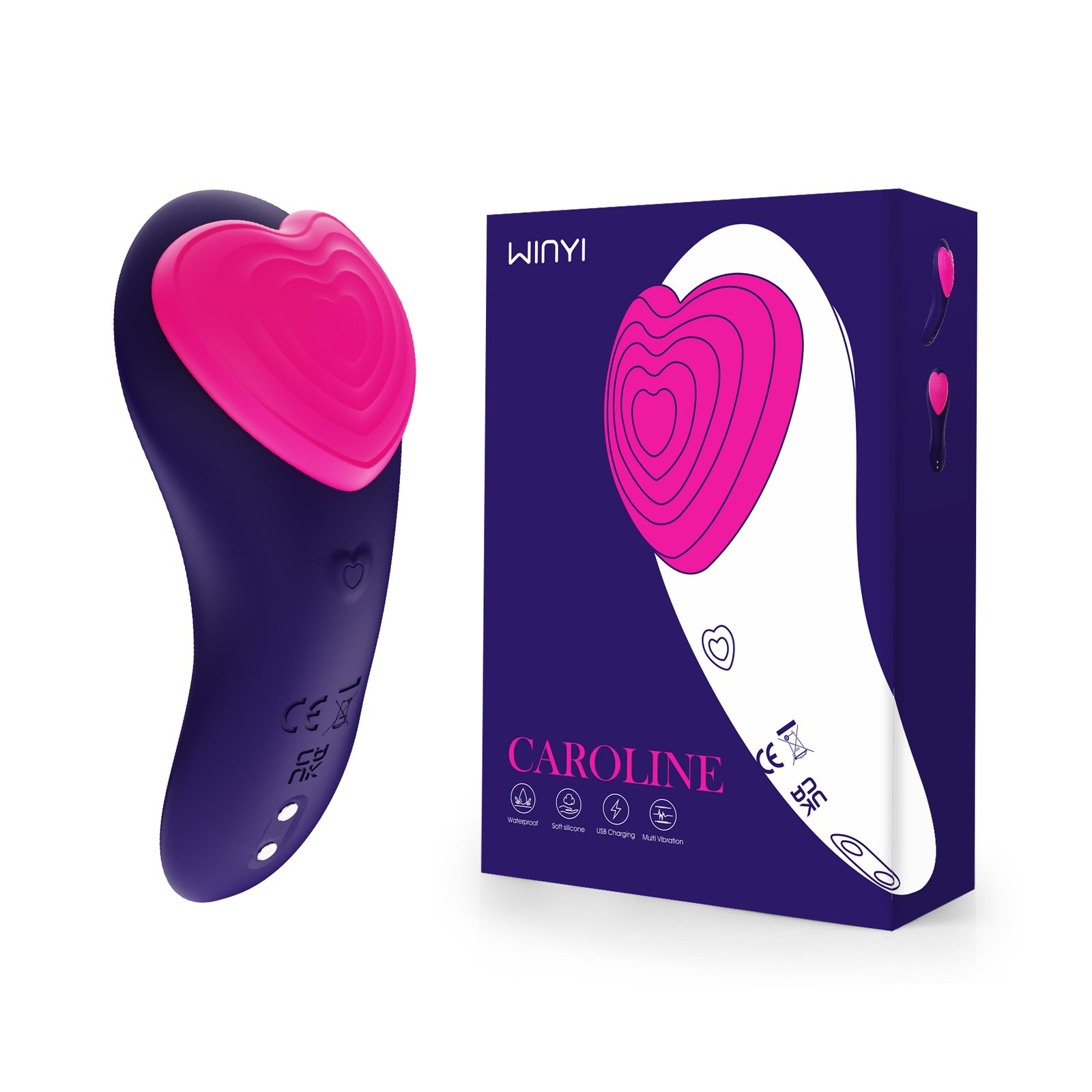
Caroline (WY0630)
WEARABLE APP VIBRATOR
Wearable panty vibrator with app control plus a backup manual button on the toy. Designed for solo or partner-play use, fits discreetly under clothing.
View ProductLong-Distance Play: Bluetooth vs. WiFi Control
This is where a long-distance vibrator earns its name, and it’s also where the two control types stop being interchangeable. Bluetooth pairing stays local between your phone and the toy, so it won’t reach another room reliably, let alone another city. Genuine long-distance control instead depends on the toy’s app routing that control through WiFi or mobile data and its own server, which is a different technical path entirely, not just a stronger Bluetooth signal.
Bluetooth
- Local connection between your phone and the toy.
- Range depends on hardware, antenna design, and walls, metal, or humidity between them.
- Realistic spread can be anywhere from under a meter to well over a kilometer depending on hardware.
- Not genuine cross-city control by itself.
WiFi / Data / Cloud-Based App Control
- Control routed through the app’s internet infrastructure, not a direct radio link.
- Can support genuine distance where the specific app and model are designed for it.
- Usually involves accounts and server-side handling of the partner connection.
- Worth confirming with the manufacturer before you plan a session around it.
WINYI’s Julia and Helen are both built around this kind of app-controlled setup and are worth asking WINYI about directly for your specific order, since the exact mechanics, whether it’s WiFi or mobile data, whether both people need an account, and how you add a partner as a connection, can vary by app version and aren’t something you should assume from a product listing alone. Confirm it with WINYI or by testing the app itself before you promise a partner this will work across a real distance.
Once you’ve confirmed that setup works, a scheduled surprise is worth trying. Agree ahead of time on a private window where the person wearing it can comfortably answer their phone and stop the toy the moment they want to, rather than picking a random moment like a lunch break where they might be somewhere public or unable to react. A synced video call works well too, camera on, toy running at a low, steady setting while you talk about something else entirely. Both still need that same upfront agreement about when and how long, even if neither needs much planning beyond that.
Wearing It In: How Long Is Too Long?
Battery runtime is not the same as safe wearing time.
Most toys are rated for 40 to 90 minutes of continuous battery life, but that figure describes the electronics, not what’s safe for your body. Follow the instructions that came with your specific model. Start with shorter sessions, take real breaks, and remove the toy at once if you feel any pain, numbness, pressure, irritation, or discomfort.
Most toys are rated for 40 to 90 minutes of continuous battery life, but that number describes the electronics, not a safe wearing time for your body. Battery runtime and safe wearing time are two different questions entirely. Follow the instructions that came with your specific model, start with a short session rather than your longest one, take real breaks between sessions, and remove the toy immediately if you feel any pain, numbness, pressure, irritation, or discomfort rather than waiting to see if it passes.
5 Remote Vibrator Games to Try
Each of these works with any remote or app-controlled toy, no specific brand or app feature required unless we say so. Keep the paired task low-risk in every game, reading, talking, or something you can do sitting down works better than anything needing balance, tools, or your full attention elsewhere.
1. Control Roulette
- Players
- Two.
- What you need
- Your toy and a die or a randomizer app.
- Setup
- Agree on your stop signal before round one.
- How to play
- Roll before each round to pick who controls the toy next, then set a timer for two minutes. Whoever’s in control picks any mode without announcing it first. Some apps include a built-in shuffle feature for this exact game, but you don’t need one — taking turns manually works just as well.
- Stop rule
- Either player can call it at any point, no explanation needed.
- Long-distance
- Yes, as long as the toy supports it.
2. Music Sync
- Players
- Two.
- What you need
- A playlist and your toy.
- Setup
- Pick three songs ahead of time.
- How to play
- For each one, the partner in control adjusts intensity live to match the song’s energy — quiet during a verse, higher through the chorus. A few app ecosystems can automate this sync directly, but doing it by hand gives you more control over the pacing anyway.
- Stop rule
- Skip to the next song, or stop entirely, whenever either of you wants.
- Long-distance
- Yes, especially over a call since both people hear the same song at the same moment.
3. Buzz Challenges
- Players
- Two or more.
- What you need
- Your toy and a list of simple, low-risk tasks — reading a paragraph aloud, trivia, a short word puzzle, or a normal conversation. Skip anything that needs balance, coordination, or your full attention: no planks, no stairs, no cooking, no driving.
- Setup
- Agree on the stop signal before you start, and pick tasks you can do sitting or standing still.
- How to play
- The controller runs the toy at random moments during the task. Whoever’s wearing it has to finish anyway.
- Stop rule
- Non-negotiable, agreed before starting, and always takes priority over finishing the task.
- Long-distance
- Yes, popular over video call since both partners can see the task happening in real time.
4. Remote Vibrator Bingo
- Players
- Two.
- What you need
- A 3×3 or 5×5 grid, each square holds a mode, duration, or mini-task.
- Setup
- Build the grid together beforehand so both of you know what’s on it.
- How to play
- Work through the grid in any order, checking off squares as you complete them. First to a full row wins, loser picks the next activity.
- Stop rule
- Either player can pass on a square or stop the game entirely.
- Long-distance
- Yes, share the grid as a photo or a shared doc beforehand.
5. Partner Tasks
- Players
- Two.
- What you need
- Your toy and a shared notes app or a jar of paper slips.
- Setup
- Each partner writes five tasks ahead of time (some teasing, some just fun) and adds them to a shared pool.
- How to play
- Draw one at random per round, complete it, then hand control back and forth for the next draw.
- Stop rule
- Either partner can end the round early once a task is complete.
- Long-distance
- Yes over a call, though handing control back and forth is smoother in the same room.
Wearing It Out: What to Know Before You Try Public Play
If you’re curious about wearing a toy outside the house, know that most run around 50 decibels on a mid-range setting, quieter than a normal conversation, based on manufacturer-listed specs rather than an independent test. That’s genuinely useful to know, but noise isn’t the only thing that matters here. Use it only in private settings or ones where everyone involved has actually agreed to it, and follow whatever local rules apply where you are. This isn’t the kind of play to test out on people who haven’t consented to being part of it.
Privacy and Consent Basics for Partner Control
Before Remote Access
- Use mutual, intentional access — not a link that hands over permanent control.
- Know how access can be revoked before the session starts.
- Check what account data the app collects and whether session history is stored.
- Confirm whether you can delete that data later if you stop using the app.
- Understand the difference between Bluetooth-only and server-based control.
- Agree on boundaries and stop signals in advance.
Before you hand someone remote access to a toy on your body, a few things are worth confirming. Make sure the app requires a mutual invite you can revoke, not a link that hands over permanent control. Check what the app’s privacy policy says about the account data it collects, whether it logs your session history, and whether you can delete that data later if you stop using it.
Know the difference between the two connection types too. Bluetooth pairing stays local between your phone and the toy, so nothing about a solo or same-room session needs to touch a server at all. WiFi or data-based long-distance control routes through a server elsewhere instead, which is a different privacy picture, encrypted connections and account security actually matter once a third server is part of the setup, and it’s worth asking WINYI directly what their app does on both fronts before you rely on it for long-distance play.
Aftercare & Cleaning
Cleaning
Confirm the toy’s waterproof rating before you clean it, not after. A fully waterproof toy can usually be rinsed under running water, while a non-waterproof one should only ever be wiped down, never submerged. Clean it with mild soap and water, or a cleaner made for its material, before and after every use, and dry it completely before you put it away or back on the charger, moisture and a charging port are a bad combination regardless of the toy’s rating. Don’t boil the toy or run it through a dishwasher unless the manufacturer explicitly says that’s safe for your specific model.
If you’re sharing a toy between partners or between different parts of the body in the same session, clean it in between and consider a condom or similar barrier over it, Planned Parenthood’s guidance on sex toy materials specifically recommends this for anything that isn’t 100% silicone, hard plastic, or another fully non-porous material.
Aftercare & Storage
Talk for a few minutes afterward too, especially after a game that involved any teasing or task-based play. A short check-in, what worked, what didn’t, whether either of you want to try it again, does more for next time than the game itself did.
Preguntas frecuentes
Do I need a special app for these games, or will any remote-controlled toy work?
Any remote or app-controlled vibrator works for all five games. A few brands automate parts of Control Roulette or Music Sync directly in their app, but none of that is required — taking turns manually or adjusting intensity by hand gets you the same game.
Is it normal to feel awkward handing over control the first time?
Yes, and it usually fades after the first few minutes once you see how your partner actually plays with it. Talking through expectations beforehand — what you’re comfortable with, what a stop signal looks like — helps more than trying to push through the awkwardness solo.
How do I bring this up with a partner who’s never used one?
Frame it as something to try together rather than a request out of nowhere. Suggesting a specific low-pressure game — Bingo or Partner Tasks tend to feel the least intense to start with — gives them something concrete to say yes to instead of an open-ended idea.
Can I use these games long-distance, or do we need to be in the same room?
Games 1 through 4 work long-distance as long as your toy supports WiFi or data control rather than Bluetooth alone. Partner Tasks works over a call too, though handing control back and forth is a little smoother in person. Buzz Challenges over video call is a particularly popular long-distance version, since you can both see the task happening in real time.
The Bottom Line
Get comfortable with your own toy before anyone else touches the controls, confirm which control type you actually have before you promise a partner long-distance play, and pick games that match how intense you both want the session to be rather than starting with the most elaborate one on this list. None of that takes long to sort out, and it’s the difference between a first session that goes well and one that just feels awkward.
Ready to Try One?
Pick a toy that fits how you actually plan to use it — solo practice first, partner play, or long-distance — rather than the one with the most modes on paper. Browse WINYI’s app-controlled lineup, or request a quote with sample pricing if you’re evaluating remote-controlled vibrators for your own catalog.