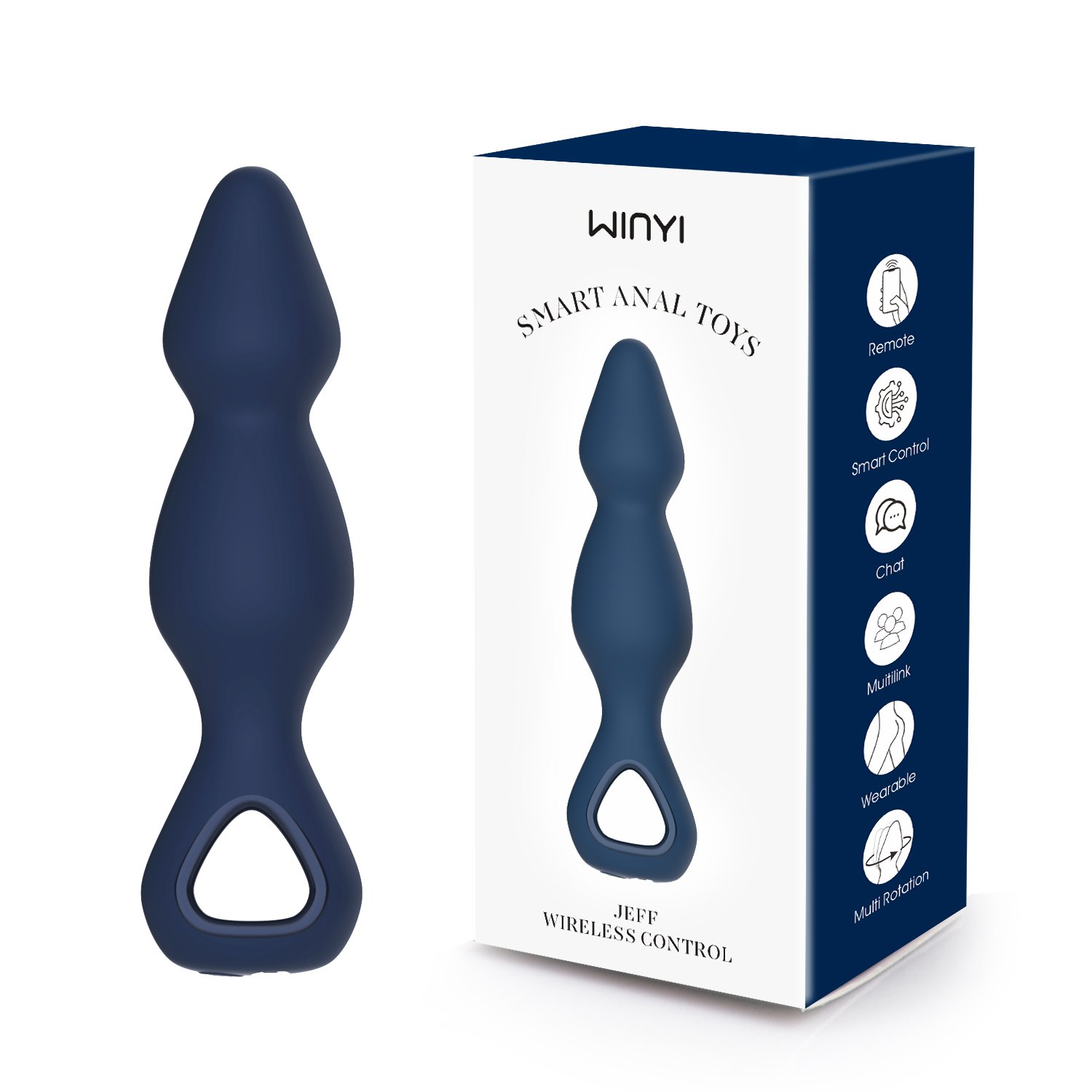
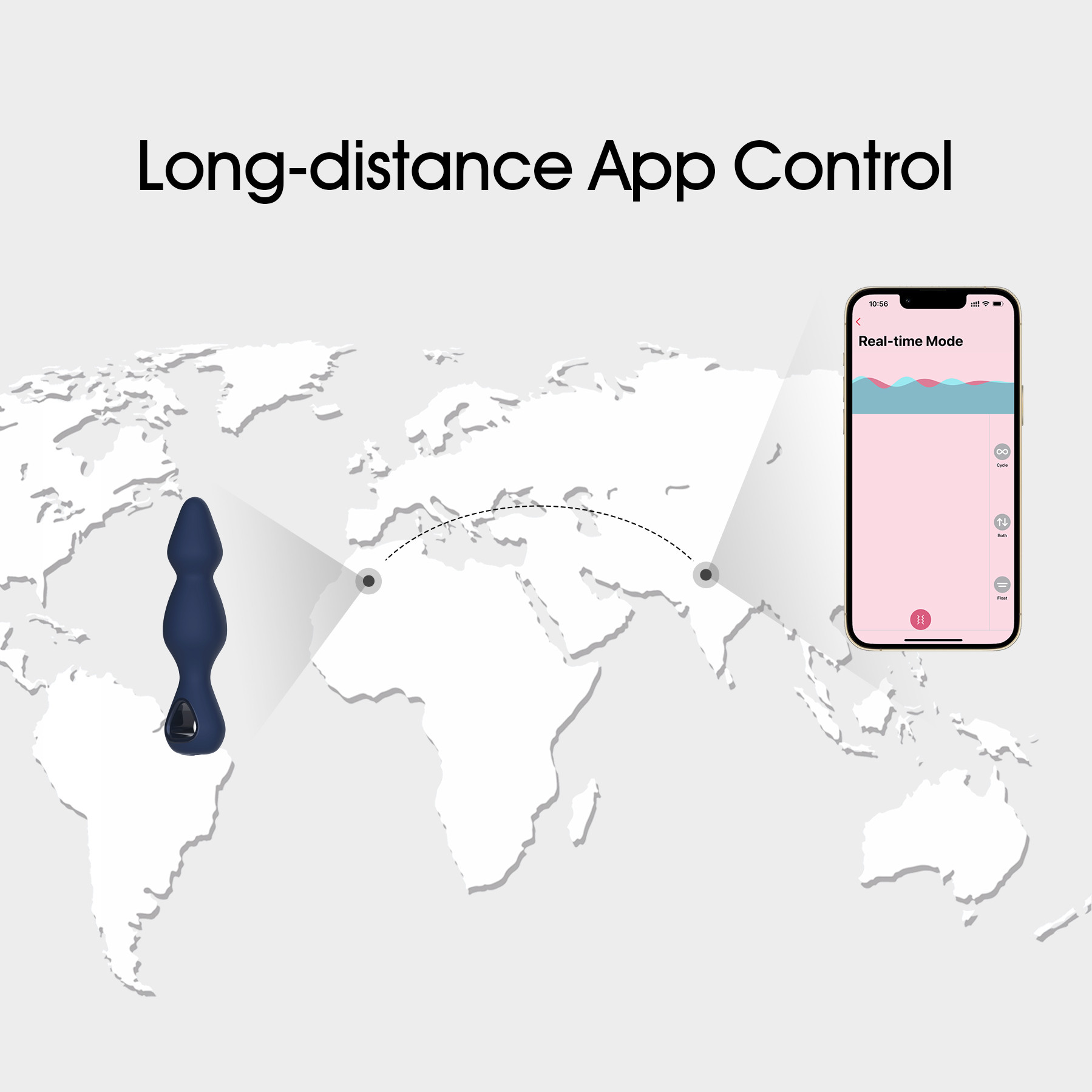
App Butt Plug, Winyi 2024 nuevo Plug giratorio anal giratorio controlado de larga distancia Vibe-WY0685app Jeff
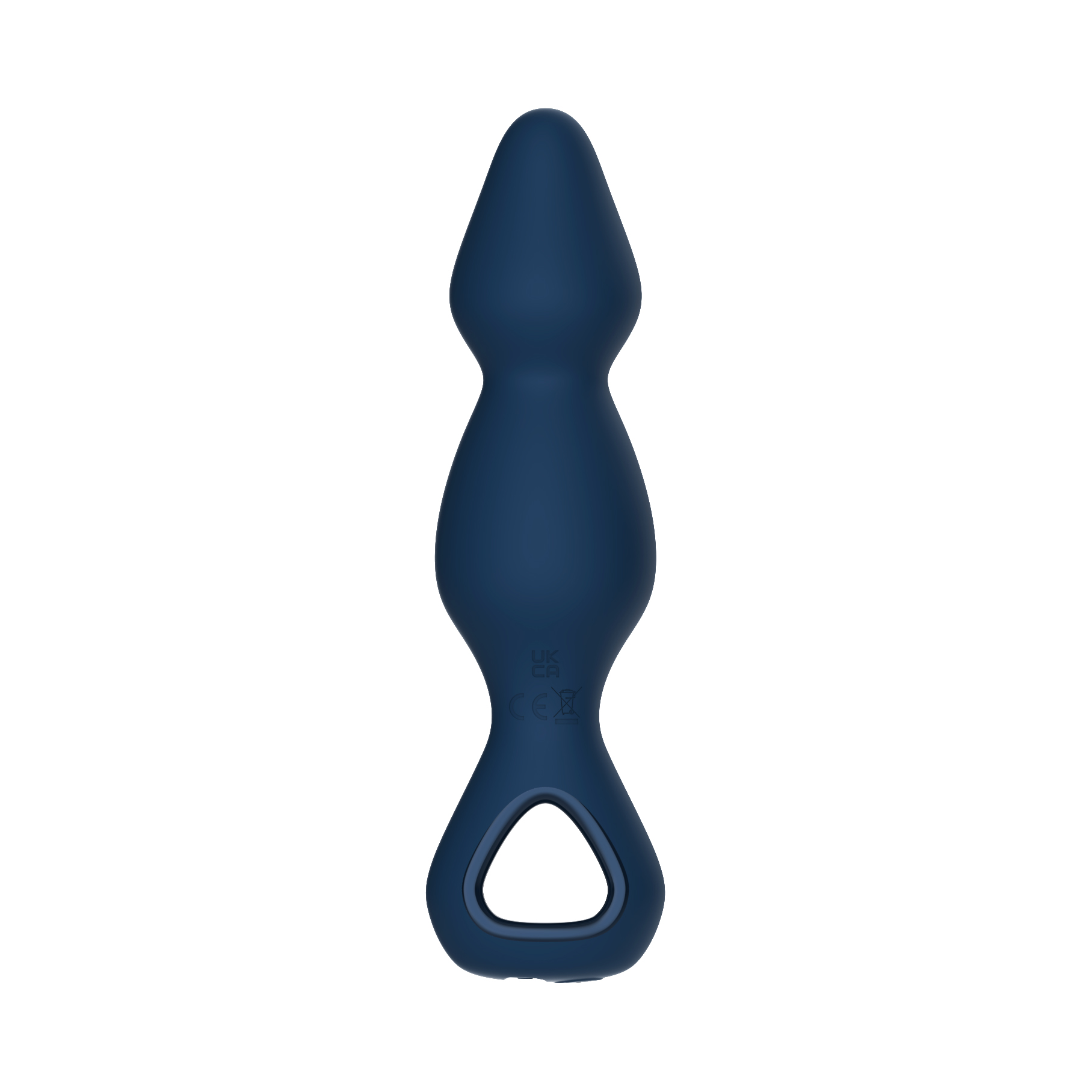
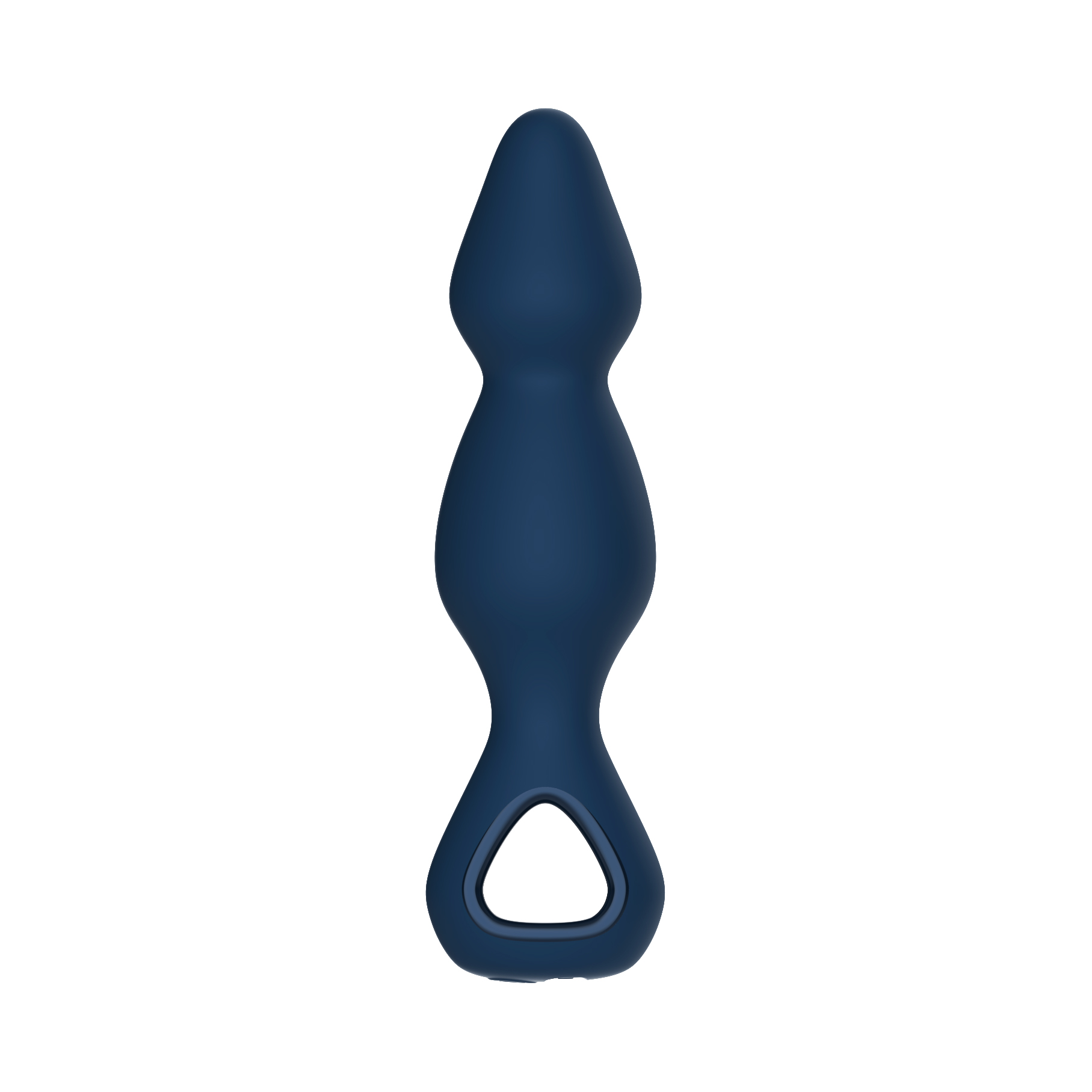
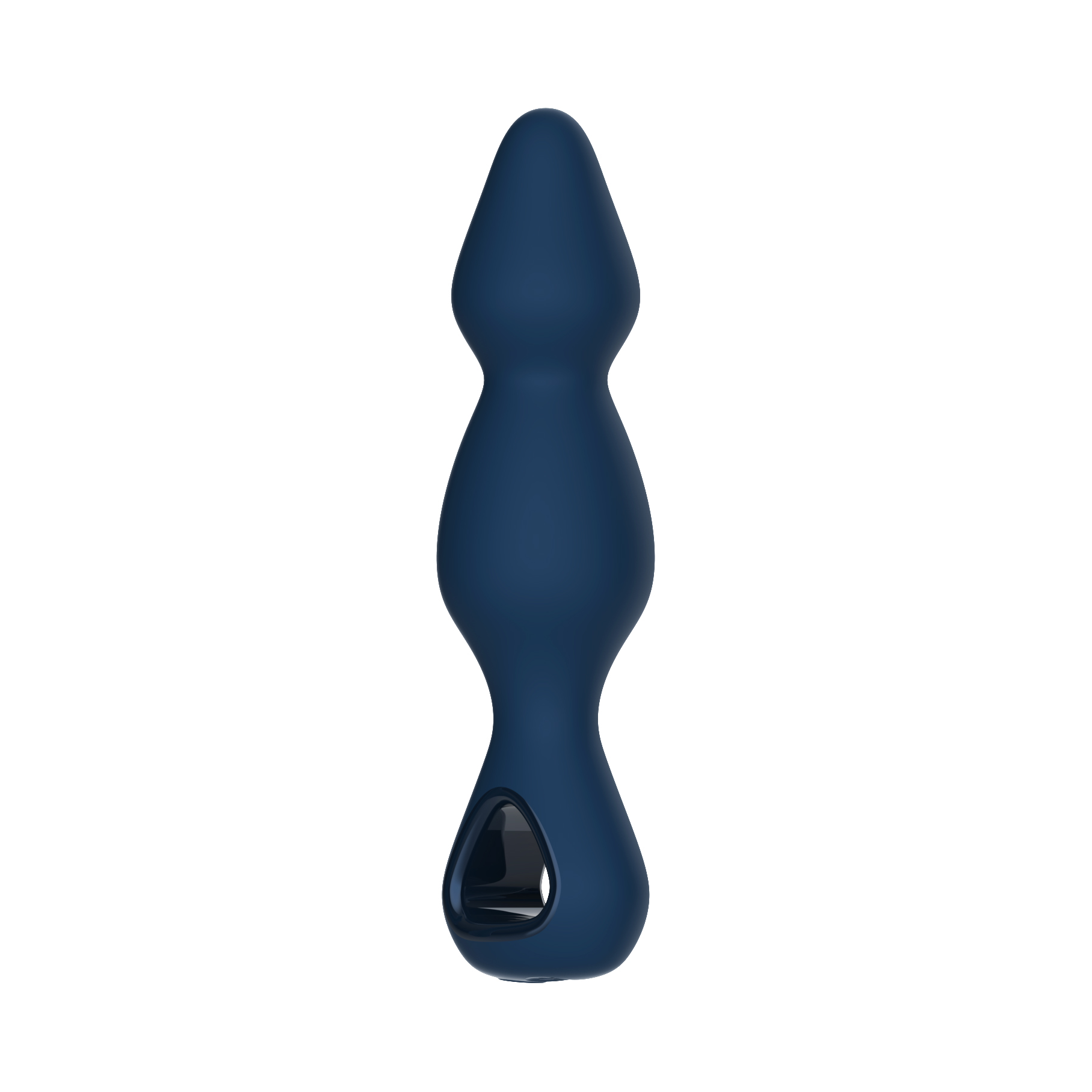
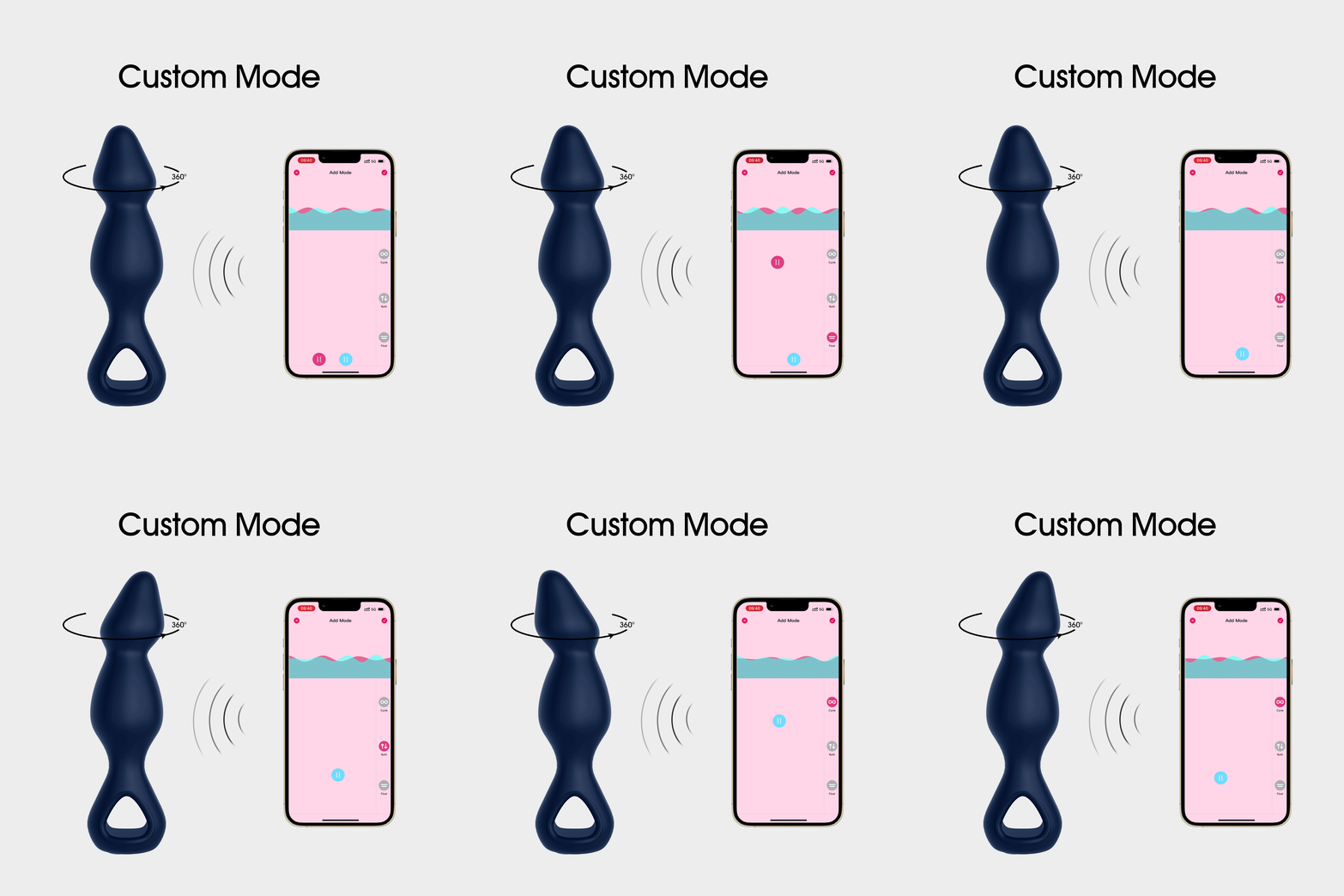
El Jeff es un Enchufe anal de control inalámbrico y App Vibrador de enchufe anal—Un vibrador con cuentas anal con un diseño largo con cuentas con un cabezal giratorio de 360 ° para una intensa estimulación anal profunda, mientras que su mega motor de 10 funciones eleva sus escapadas anales a un nivel completamente nuevo.
Plug Butt de la aplicación de silicona de clave
1. Diseño de forma novedosa
2 Motor de vibración fuerte de aleación de tungsteno de alta velocidad + cabezal de rotación de 360 °
3. Diseño totalmente encapsulado de silicona de grado alimenticio
4. Diseño totalmente impermeable
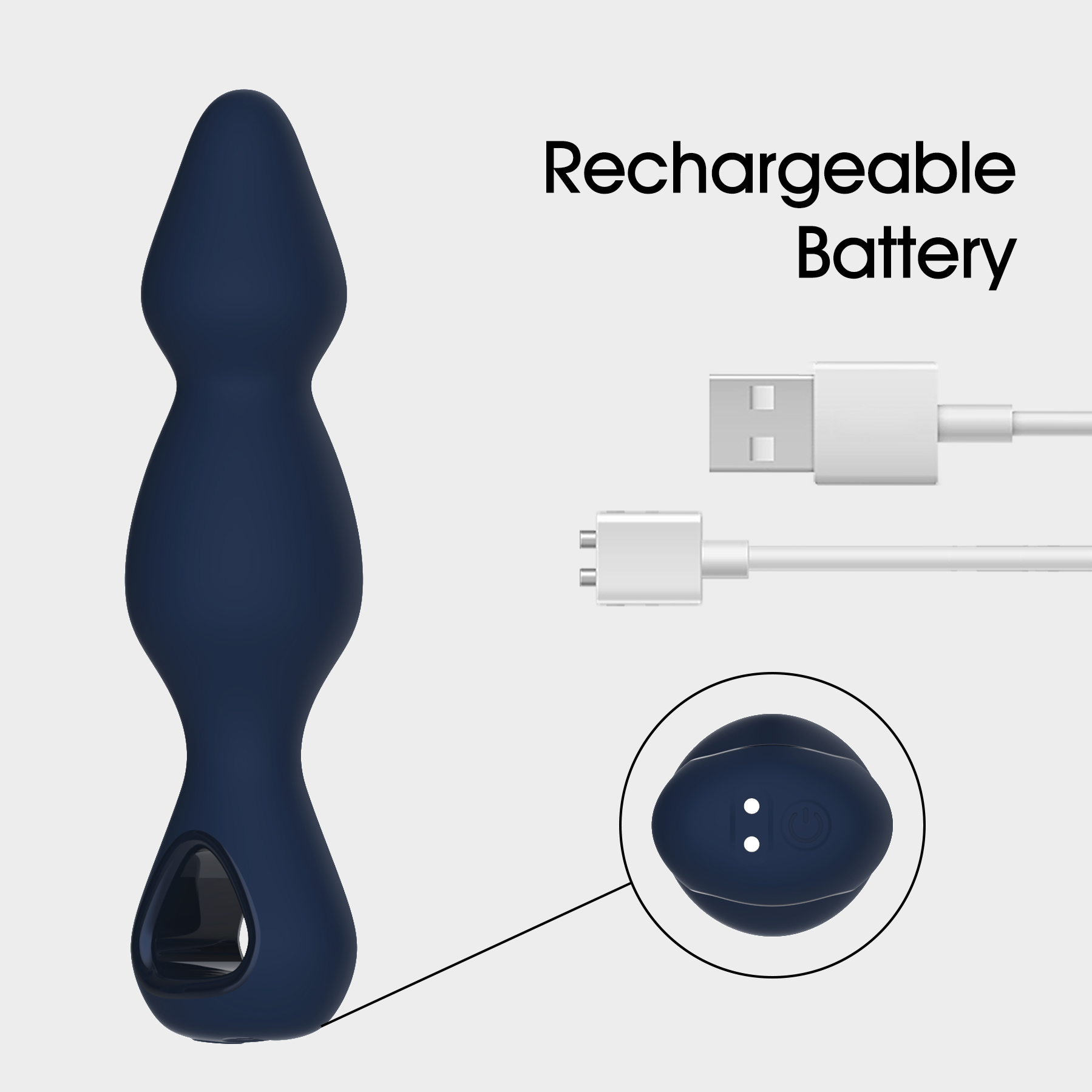
5. Carga magnética
| Detalles de la especificación | trabizo |
| Peso del producto | Peso neto de la unidad principal ≈ 98 g |
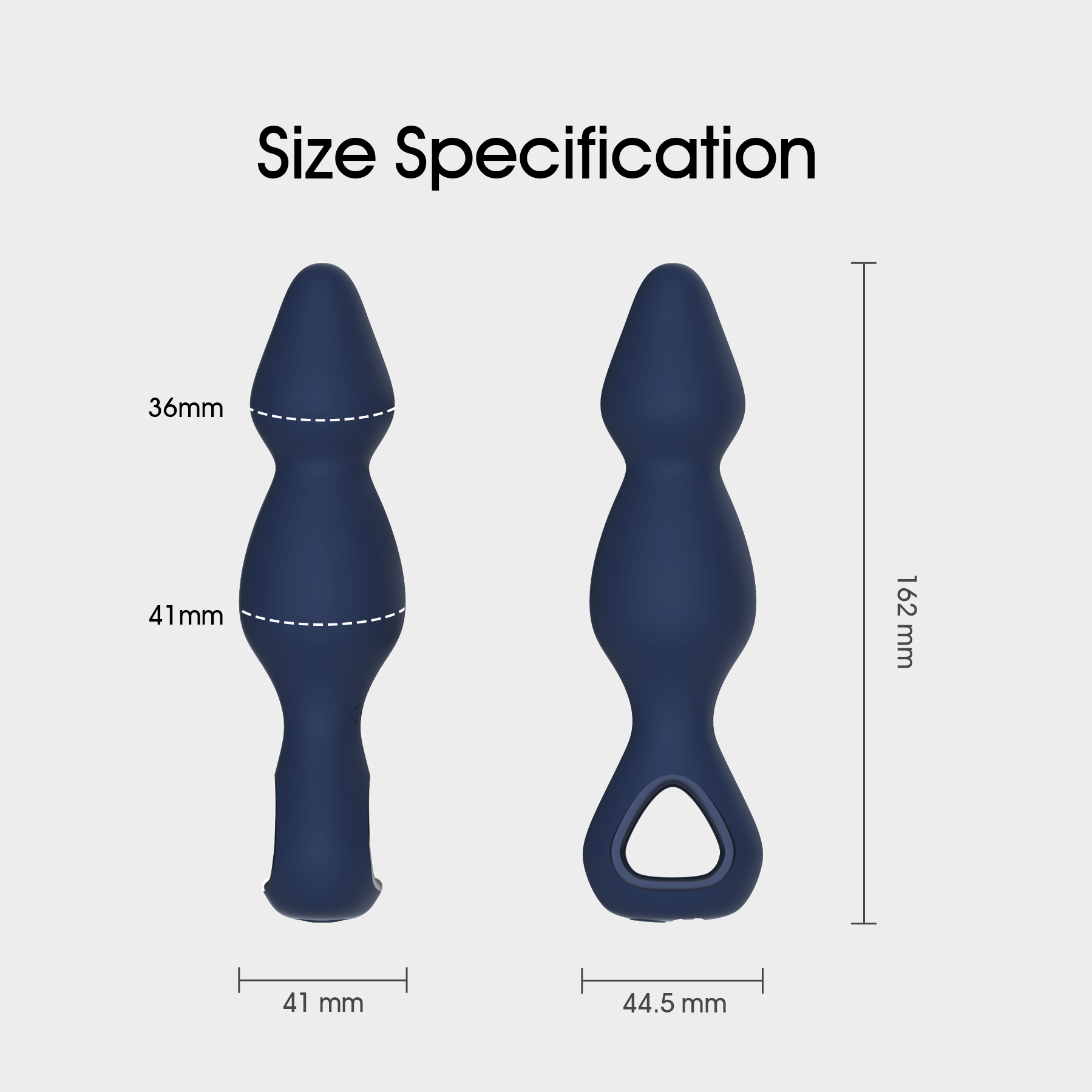
| Dimensión del producto | ≈ 162*36mm |
| Tiempo de descarga | ≥ 40 minutos |
| tiempo de carga | ≤ 90 minutos |
| Tensión de funcionamiento | 3.7V |
| Corriente de operación | 1a |
| Corriente de apagado | ≤ 10μA |
| Voltaje de carga | 5V |
| Corriente de carga | 300mA |
| clasificacion impermeable | PIX6 |
| prueba de ruido | ≤ 56dB a 30cm de distancia |
| Modelo de batería | 802022 |
| Capacidad de la batería | 250mAh |
| certificaciones | □MSDS □ROHS □FDA □CE □FCC □38.3 |
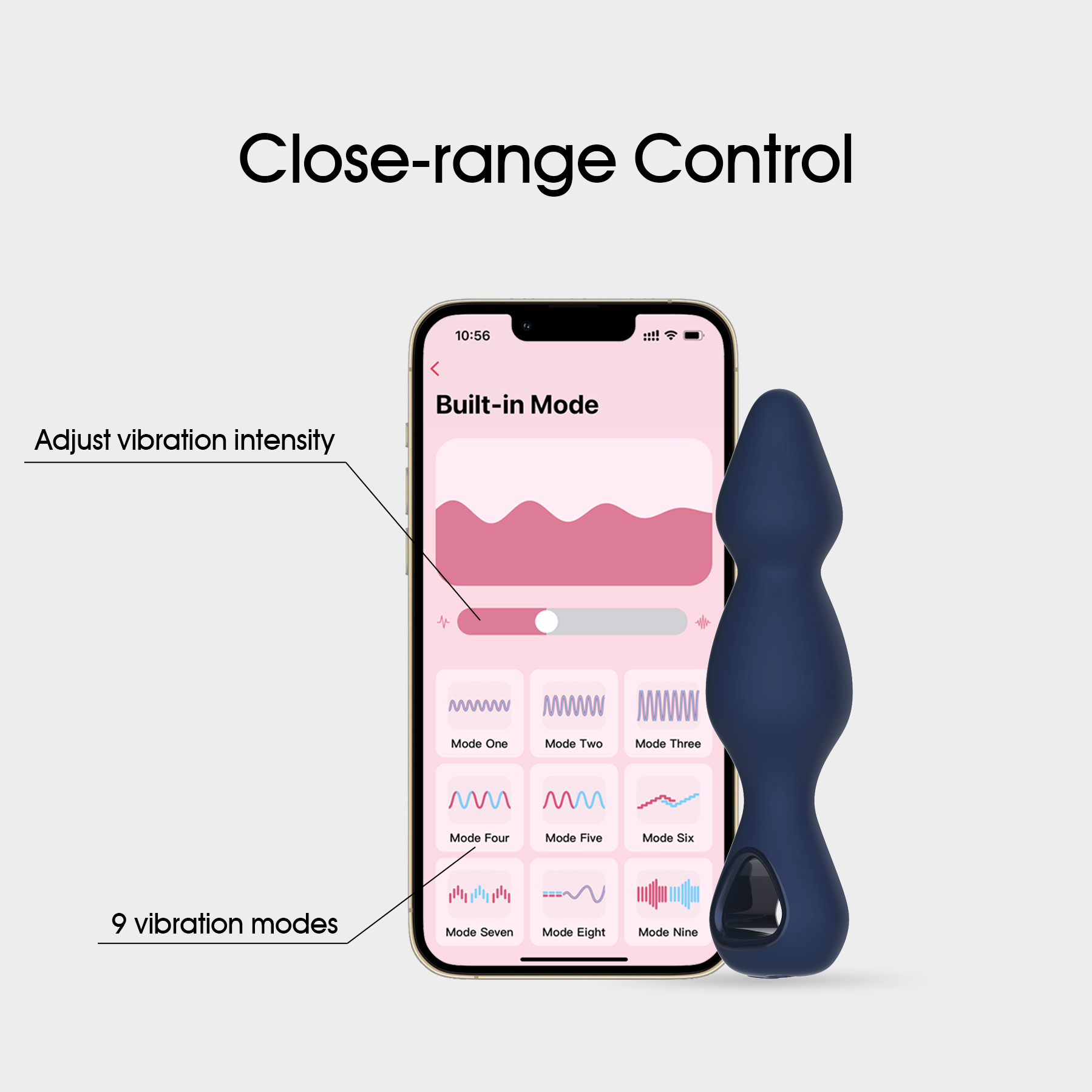
Esta aplicación Anal Sex Toy presenta vibraciones oscilantes de 9 frecuencias (3 velocidades con 6 frecuencias variables). Es un juguete adulto controlado por aplicaciones para teléfonos inteligentes con capacidad de carga magnética.
manual de usuarios
- Encender. Después de mantener presionado el botón de encendido durante 1,5 segundos, el dispositivo vibrará durante 0,2 segundos antes de entrar en modo de espera. La luz indicadora de encendido estará encendida en blanco. Si no se encuentra la aplicación o la conexión remota en el modo de espera, se apagará automáticamente después de 5 minutos.
- frecuencia. En un modo de espera, toque el botón de encendido para acceder a la primera frecuencia de vibración. Cada toque le llevará a la siguiente frecuencia seguida de un solo flash de luz. Se desplazará por 9 frecuencias en orden.
- Apague. Mientras está encendido, mantenga presionado el botón de encendido durante 1,5 segundos hasta que se apague la luz.
- cargando. Mientras carga, la luz blanca parpadeará. Cuando esté completamente cargado se iluminará.
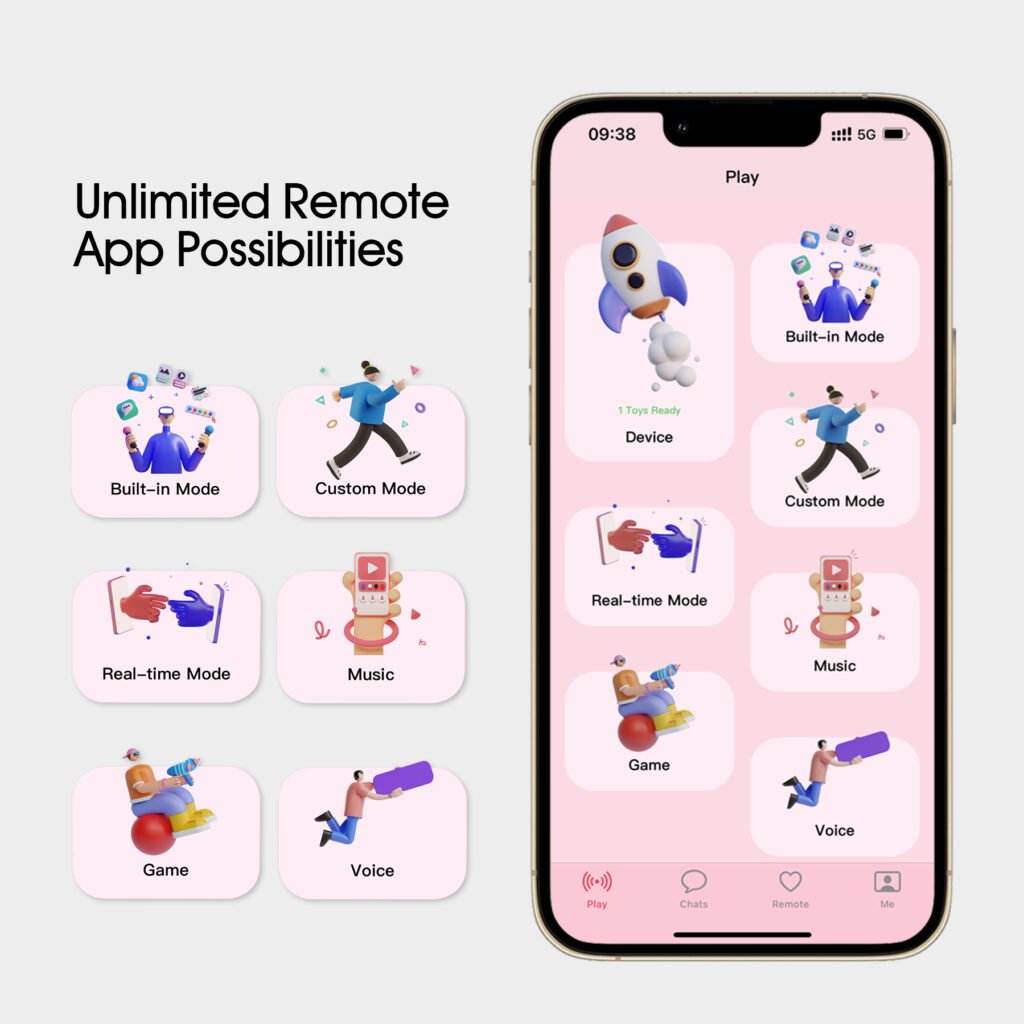
- emparejamiento Después de encender, abra la interfaz del dispositivo en la aplicación y seleccione “Agregar dispositivo”. El dispositivo vibrará una vez, informándole de un emparejamiento exitoso. Continúe siguiendo las indicaciones con respecto a la versión de su aplicación en la pantalla de su teléfono.
- Batería baja. La luz parpadeará rápidamente hasta que el dispositivo se apague automáticamente.
- Utilice sólo el cable de carga USB magnético dedicado para cargar.
Productos relacionados