

App-controlled just means a vibrator that a smartphone app can operate instead of only a button on the toy itself. Bluetooth and WiFi are the two ways that app actually talks to the toy, and they behave completely differently. Bluetooth connects your phone directly to the toy over a short range, roughly 30 feet, so you need to be in the same room. WiFi or mobile data lets your phone relay commands to a partner’s phone over the internet instead, which is what makes control from another city or country possible. Every app-controlled toy on the market runs on Bluetooth. Not all of them add WiFi on top.
App-Controlled Isn’t a Toy Type, It’s a Feature
You’ll see “app-controlled,” “Bluetooth vibrator,” and “WiFi vibrator” used almost interchangeably in product listings, and that’s part of why buyers get confused. They’re not three separate categories. App control is the feature you’re actually buying. Bluetooth and WiFi are just the two ways a toy can deliver it, sometimes both at once.
You can buy a toy that’s app-controlled and still only works over Bluetooth. That toy will pair fine with your own phone, but your partner in another city can’t touch it, because Bluetooth has no way to reach past a room. If long distance matters to you, check for WiFi or data support specifically. Don’t assume it from the words “app-controlled” alone.
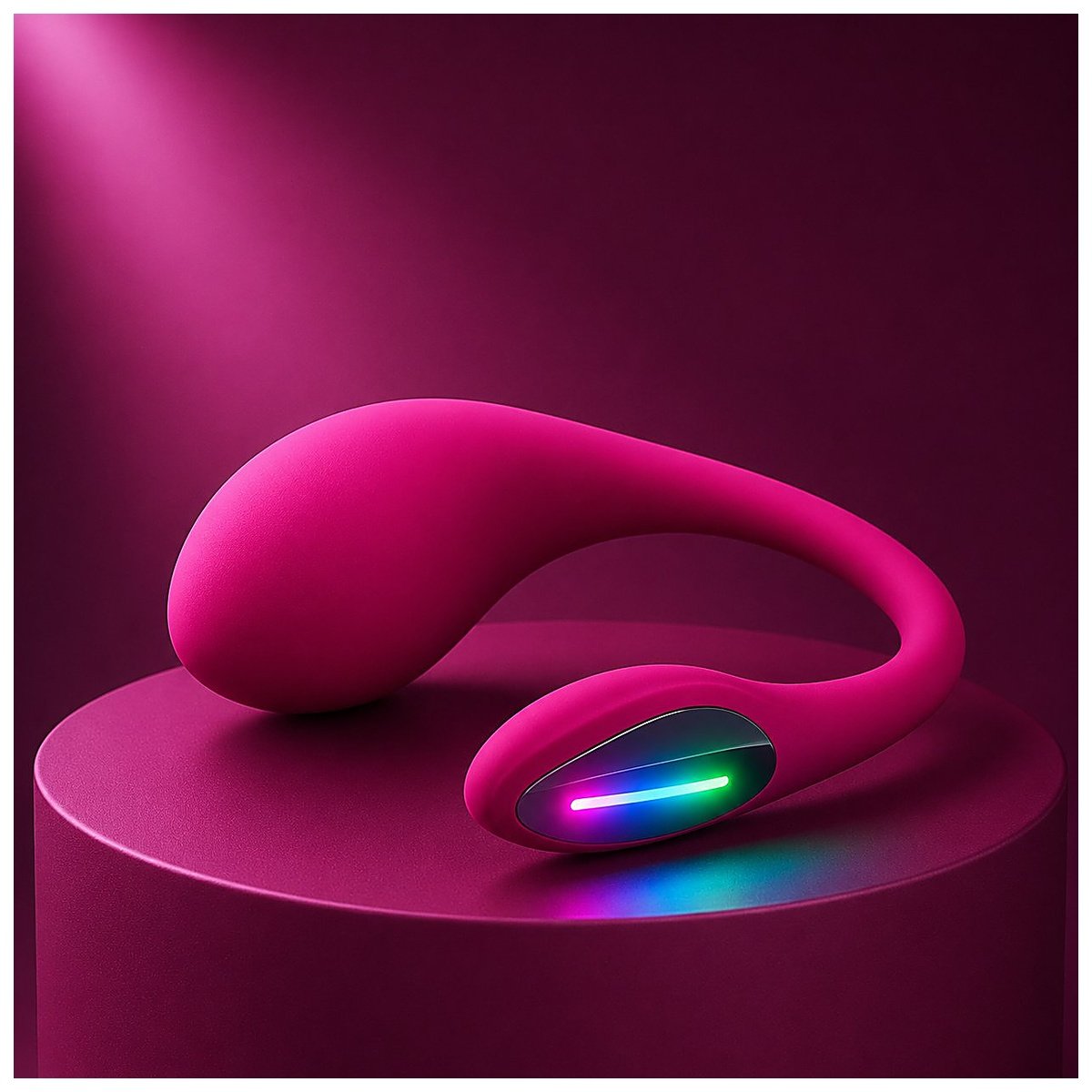

Bluetooth vs WiFi vs Remote Control, Compared
| Connection type | Effective range | ¿Necesita un teléfono? | Works long distance | Precio típico |
|---|---|---|---|---|
| Physical remote | Line of sight, roughly 30–50 feet | N.º | N.º | $10–$20 |
| App Bluetooth | About 30 feet, less through walls | Sí, un teléfono | N.º | $15–$25 |
| App WiFi/datos | Unlimited, needs a signal | Yes, both phones | Sí | $15–$170 |
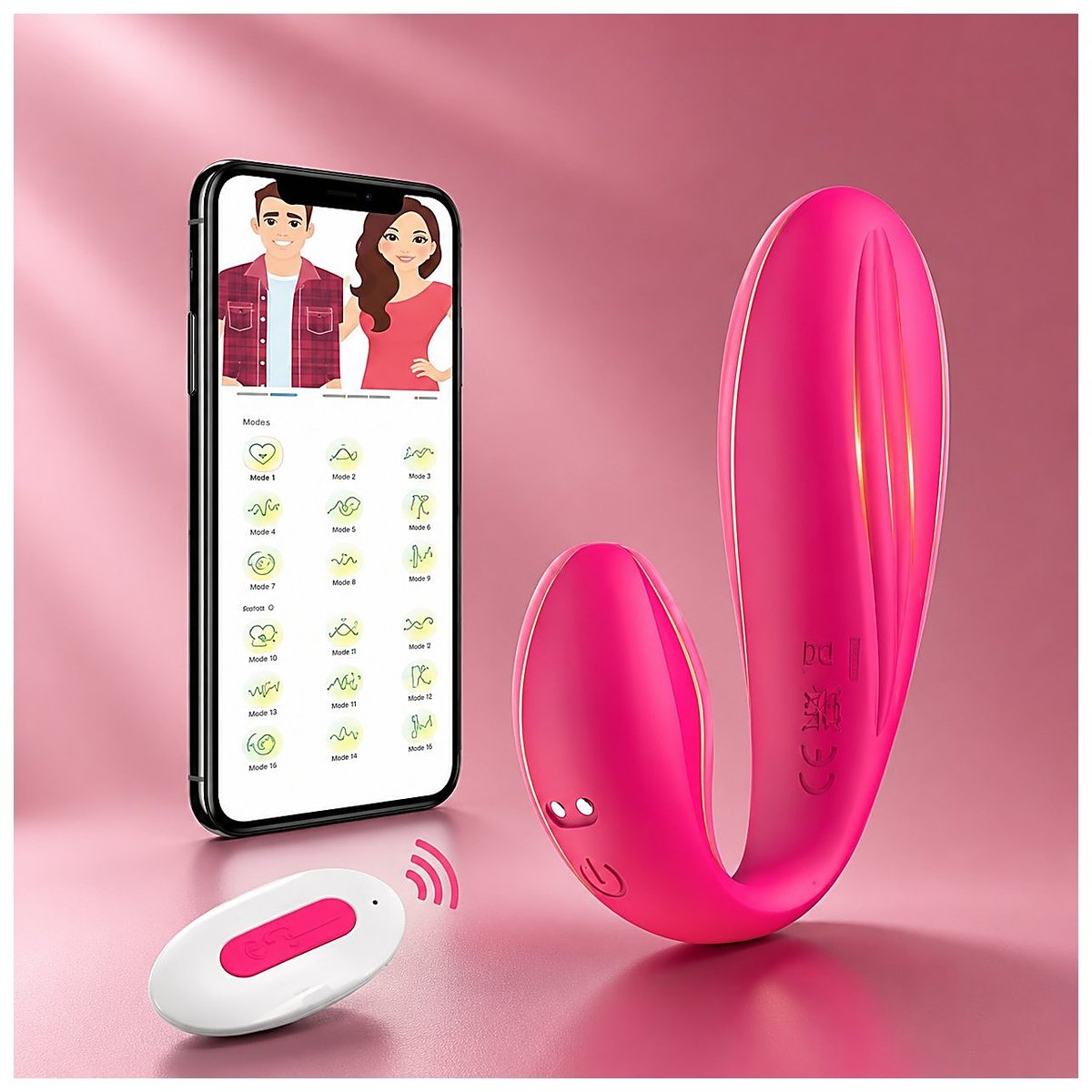
A handheld remote is the simplest option you can buy. It pairs with one toy, works within sight of the receiver, and needs no phone or app at all. It’s also the cheapest of the three, and you’re less likely to hit a connection hiccup, since there’s no app or account layer involved. WINYI’s remote-control butterfly vibrator is a straightforward example: a wireless handheld remote, no app, no phone required.
Bluetooth-app toys bring a phone into the mix, which adds more vibration patterns and usually better battery efficiency than a dedicated remote. What you don’t get is distance. You and the toy still need to be close enough for a direct Bluetooth link, which rules out controlling it from another room reliably, let alone another city.
WiFi or mobile-data toys are the only ones that solve the long-distance problem, and they do it by adding a second layer on top of Bluetooth rather than replacing it. The toy still pairs to its owner’s phone over Bluetooth first. That phone then sends and receives commands over the internet instead of a direct radio link, which is what lets a partner’s phone reach it from anywhere with signal.
How a Bluetooth Vibrator Actually Pairs
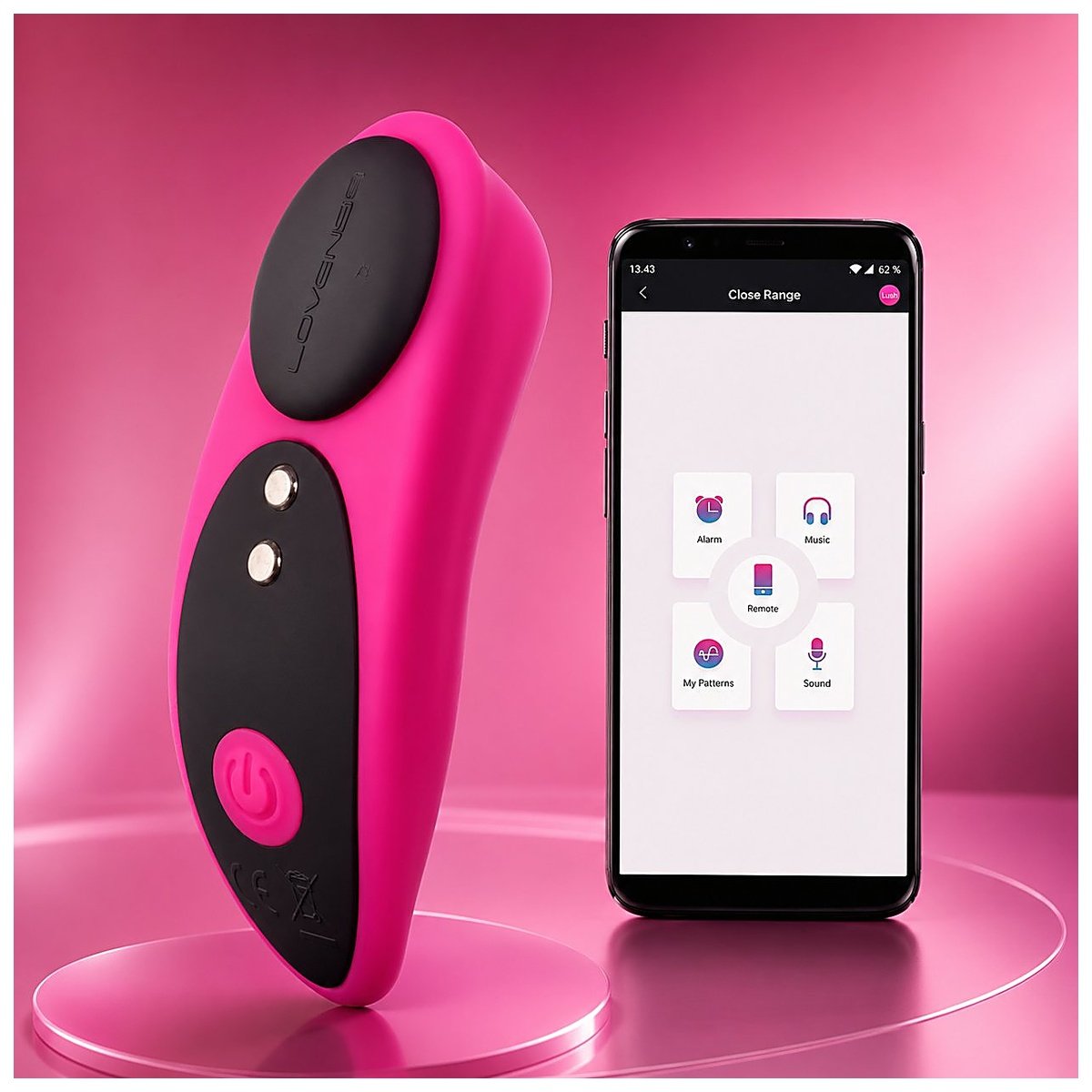
Pairing works the same way most Bluetooth accessories do. Open the toy’s app, put the toy into pairing mode, usually a button held for a few seconds until a light starts blinking, and select it from a list in the app. Most toys pair in under 30 seconds once you’ve done it the first time.
Range and battery are linked more closely than most buyers expect. A toy broadcasting a Bluetooth signal constantly draws more power than one sitting idle, which is part of why you’ll see shorter runtimes listed on app-controlled toys than on a comparable manual vibrator. Treat a toy rated for 60 to 90 minutes of continuous vibration as a realistic number to plan around, not a marketing minimum.
What Happens When You’re Apart
This is the part that actually tells you whether a toy is genuinely long-distance or just happens to have an app. WINYI, a manufacturer that builds its own app-controlled toys, states this directly on its product line: their toys “can be controlled no matter the distance, as long as you both have WiFi or a 4G/5G data connection.” That’s the mechanism, in plain terms. No WiFi or data on either end means no long-distance control, regardless of how the listing is worded.
Two of WINYI’s own toys make the long-distance claim explicitly on their individual product pages rather than just the category description. The Julia wearable panty vibrator y el Helen double-end vibrator both state it on their own pages, and that’s worth checking for on any toy you’re considering. A product-level claim carries more weight than a category page, since categories sometimes get applied more loosely than individual listings do.
Key App Features Worth Knowing About
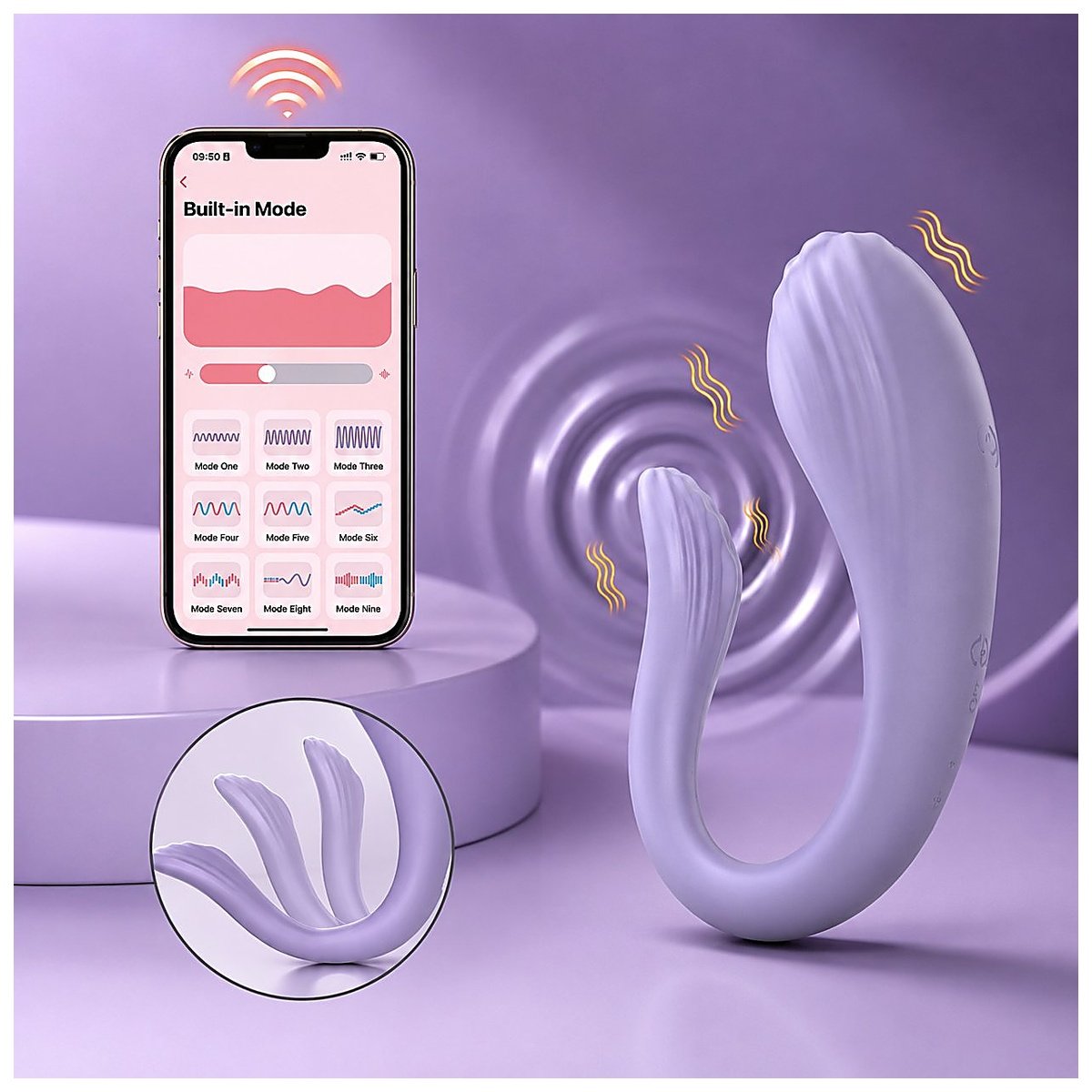
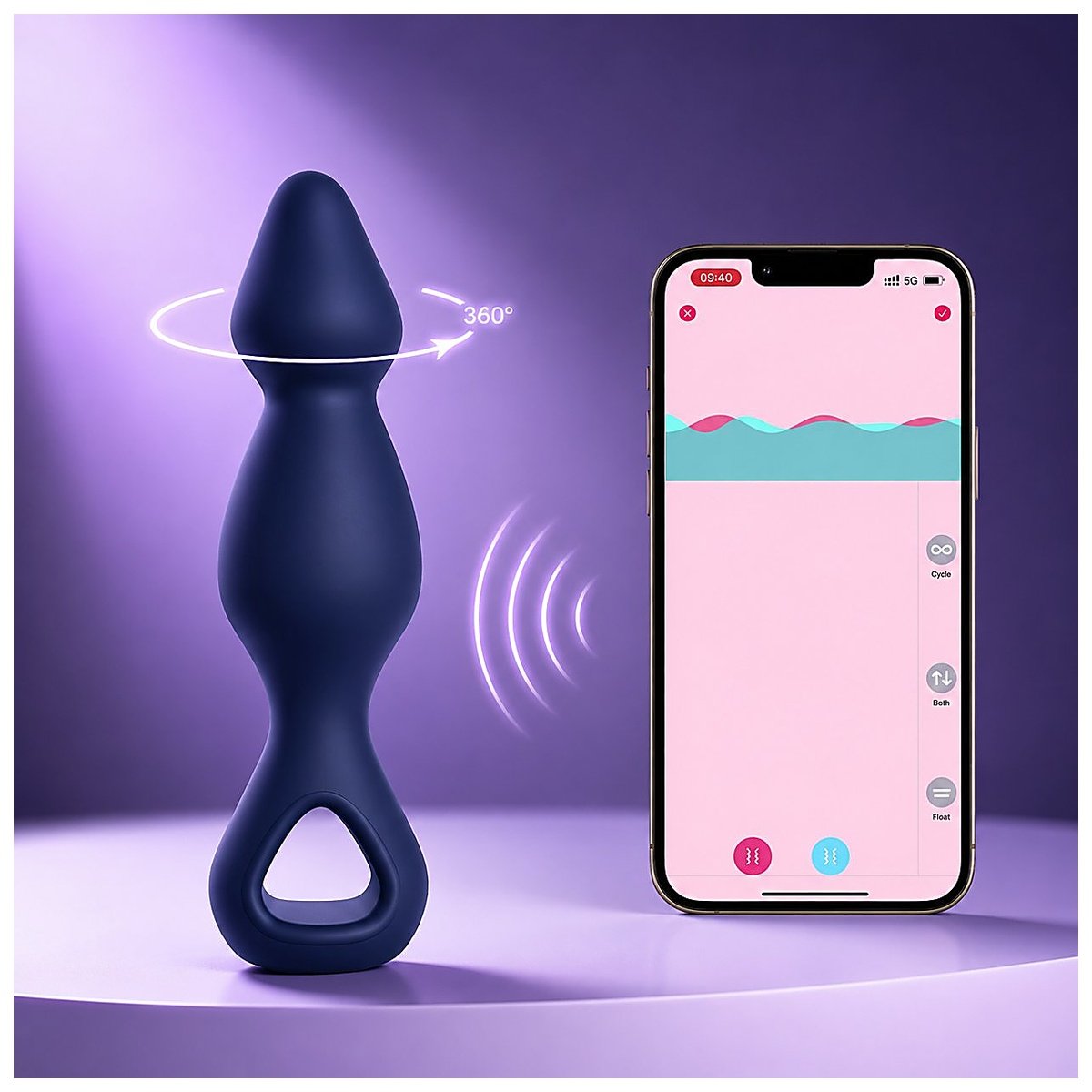
Partner control is the headline feature you’re really paying for, letting one person’s app operate a toy that isn’t in their hand. Beyond that, most apps let you build and save custom vibration patterns instead of cycling through fixed presets, which matters if the default patterns don’t match what either of you actually likes.
Multi-device pairing is a less obvious feature worth checking if you’re buying for more than a single couple. WINYI’s app supports pairing up to seven toys to one device at a time, useful if you and your partner own more than one toy, or if you’re a business trying out multiple SKUs from the same account during evaluation.
Music-sync and similar novelty modes exist on some brands’ apps and not others. Confirm it’s actually supported before you buy a toy specifically for that feature, since it’s not a given across every app-controlled toy on the market.
Is It Private and Secure?
This is a fair question for you to ask, and not every brand answers it well. At minimum, check three things before you pair a toy to an account: whether the app requires an account with a password rather than just a device pairing, whether control access is limited to specifically invited people, and whether the company states anything about how session data is stored. A vague privacy policy isn’t automatically a red flag on a small manufacturer’s app, but it’s reasonable to ask directly if you don’t see it addressed. If you’re evaluating a toy for a business rather than personal use and need documentation on data handling, that’s a normal thing to ask a manufacturer for as part of a product inquiry.
Who Are These Toys Actually Best For?
If you and your partner are in the same room most of the time, Bluetooth alone covers everything you need, and there’s no reason to pay more for WiFi capability you won’t use. If you’re apart even occasionally, WiFi or data support stops being optional. And if you’re buying solo, the connection type barely matters. App quality matters more, since you’re the only one who’ll ever be using it.
Figuring Out Which One You Need
If you’ve read this far because you’re trying to buy the right toy and not just understand the tech, start with a straightforward question: are you and your partner usually in the same place, or usually apart? That answer alone rules out half the market. From there, WINYI’s app-controlled toy lineup is worth browsing directly, since every listing states its own connection type rather than leaving you to guess. If you’re sourcing for a shop or building your own private-label line around this category, Request a Free Quote and ask specifically about app customization, since WINYI builds branded versions of its app for wholesale partners.
Frequently Asked Questions
- Does a Bluetooth vibrator work with any phone?
- Almost always yes, as long as your phone is a reasonably recent iPhone or Android device with Bluetooth 4.0 or newer, which covers the vast majority of phones sold in the last several years. Check the specific app’s store listing for its minimum OS version if your phone is older.
- Can he control it from another city right now, or does it need setup first?
- It needs setup first, on both ends. Both of you need the app installed, both need an account, and whoever’s controlling it remotely needs to be added as a partner or given a shared control link. Once you’ve done that once, reconnecting later takes seconds.
- Do I need to keep Bluetooth turned on all the time for it to work?
- Yes, on the phone the toy is physically paired to. Bluetooth has to stay on for that phone to talk to the toy, even though the actual long-distance signal between partners travels over WiFi or data, not Bluetooth. Whoever’s controlling it remotely doesn’t need Bluetooth on at all, since they’re not connecting to the toy directly.
- Why does my toy keep disconnecting even though the app says it’s connected?
- This is usually a Bluetooth range or interference issue rather than an app problem, especially if you’re moving between rooms. Keep your paired phone within about 15 to 20 feet for a more reliable connection than the rated maximum. A firmware update through the app, when one’s available, often fixes recurring drops too.