App butt plug, WINYI 2024 new long-distance controlled rotating anal plug vibe-WY0685app JEFF
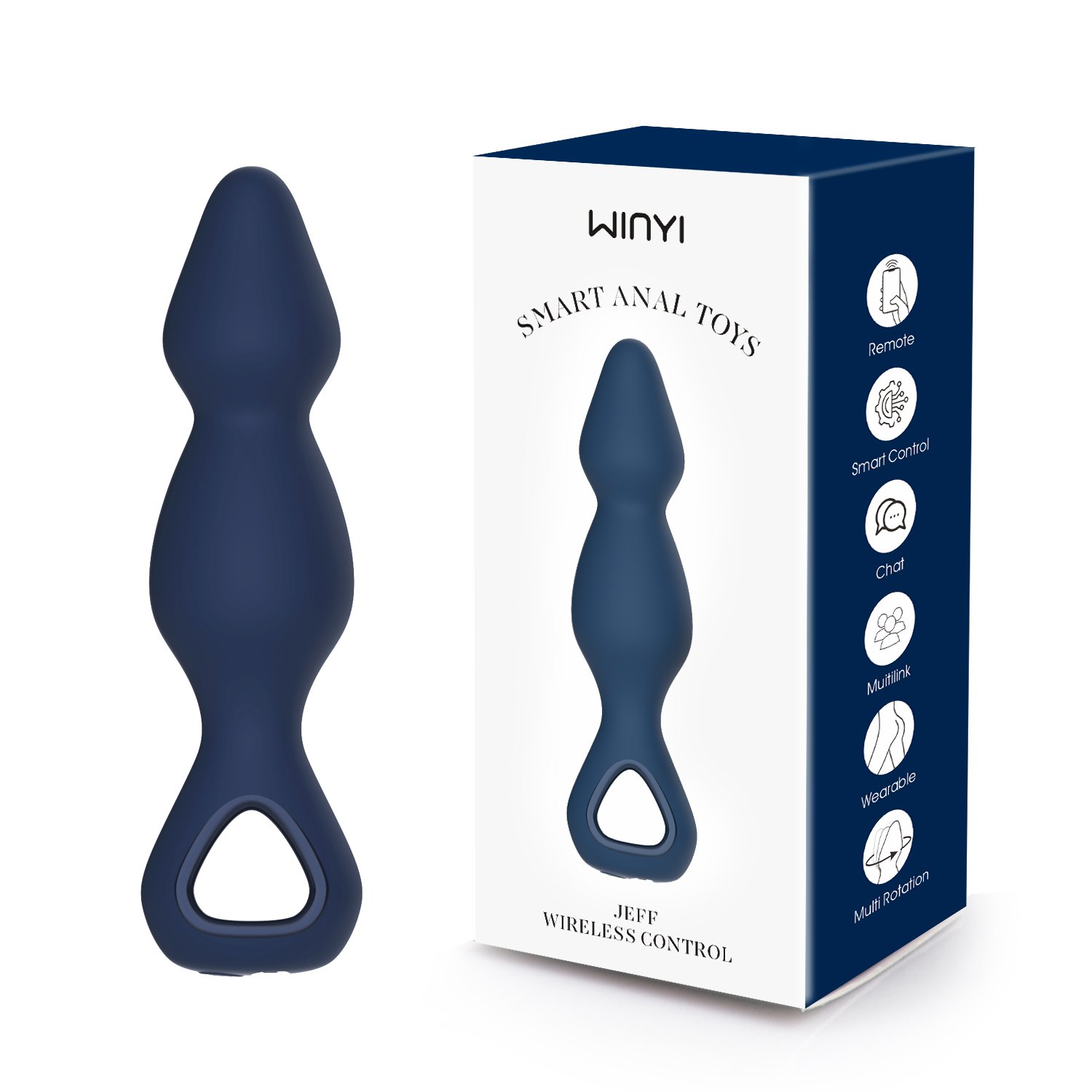
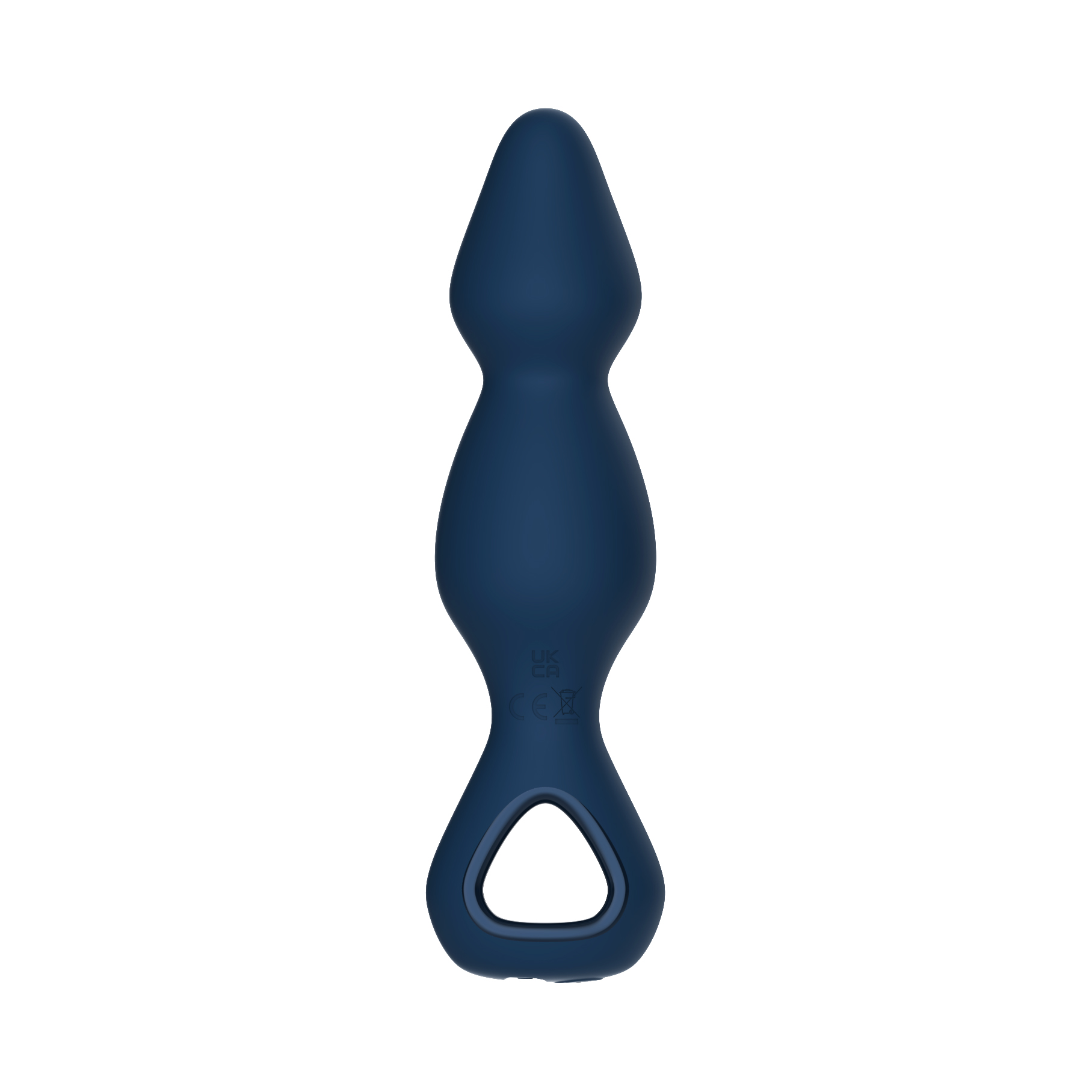
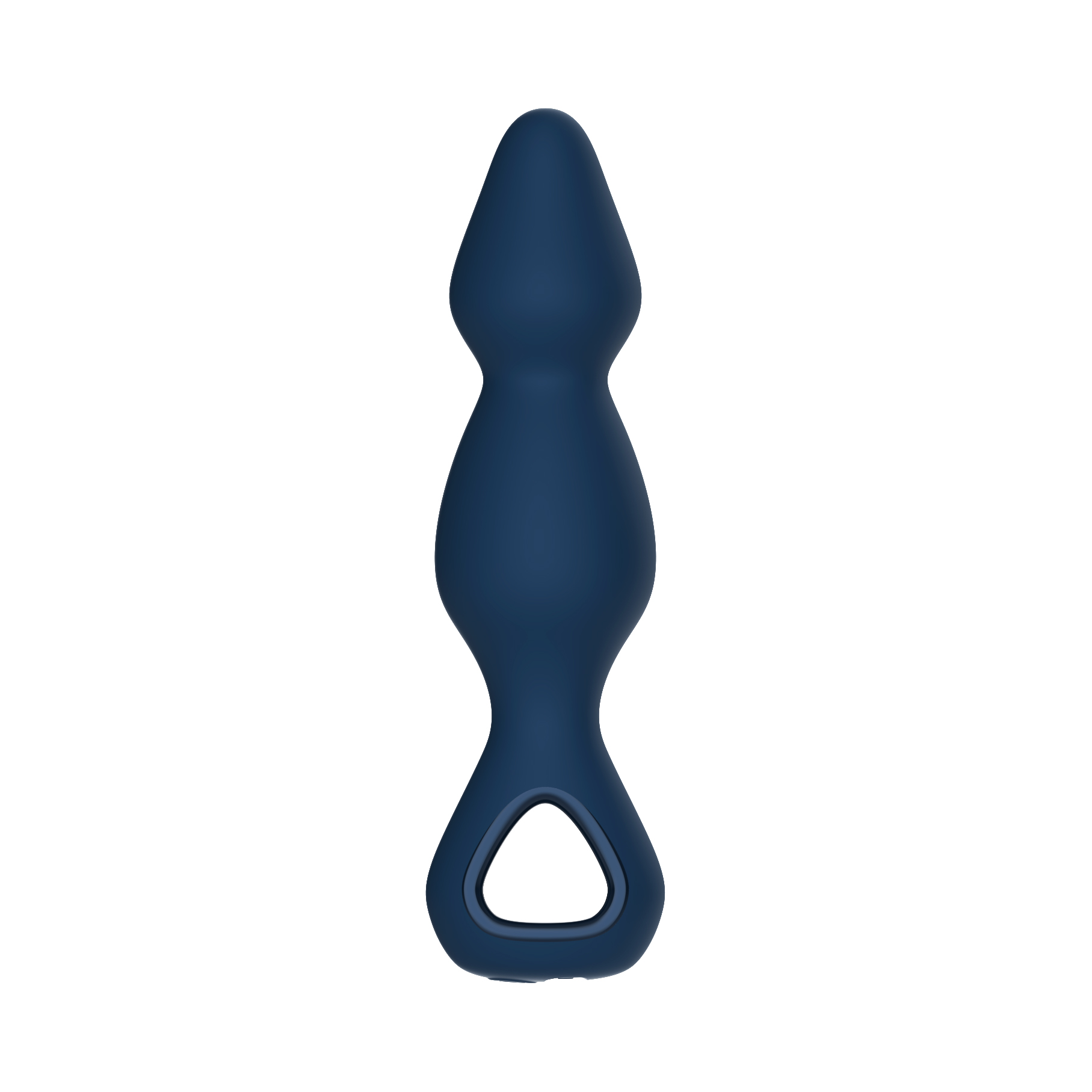
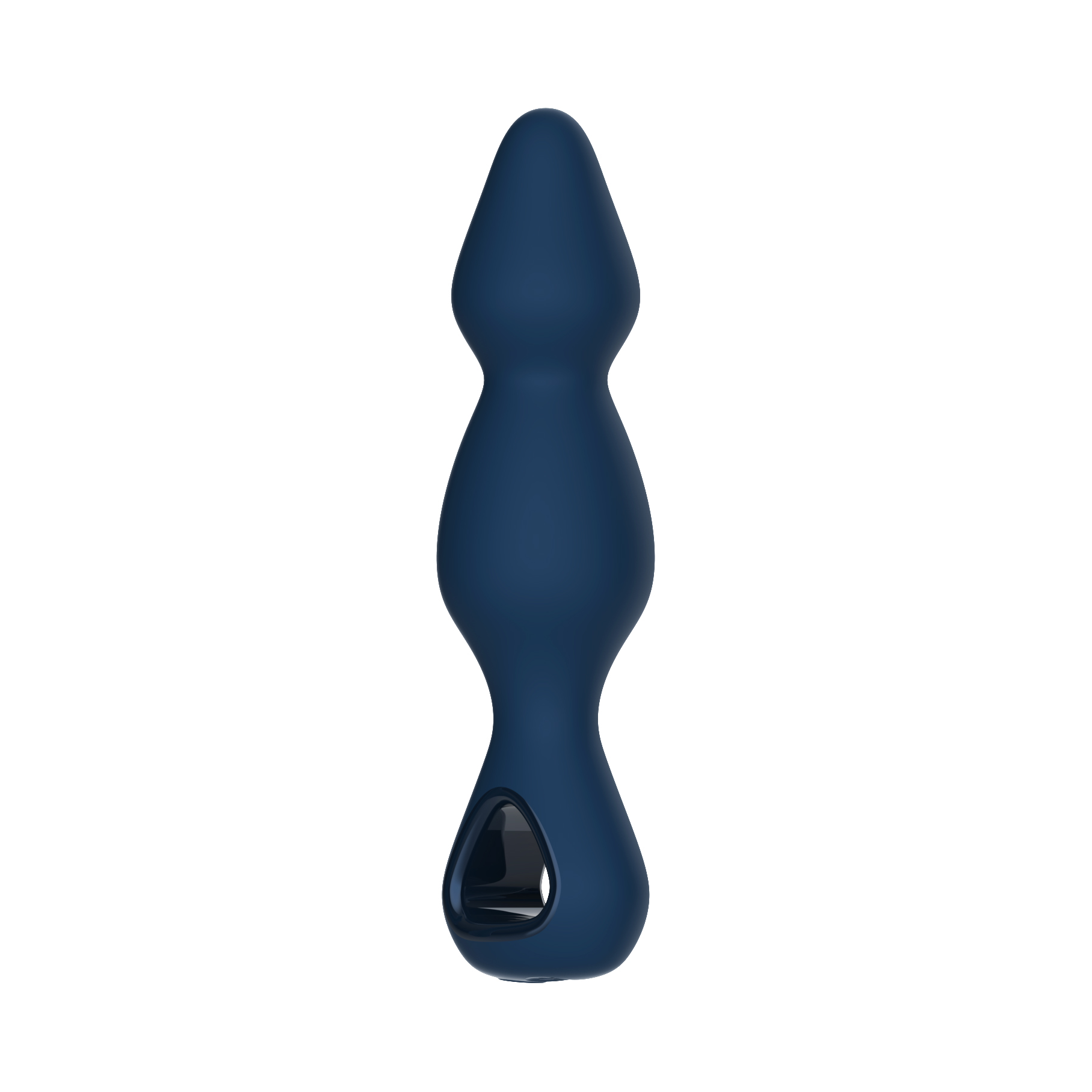
The JEFF is a Wireless control anal plug and App anal plug vibrator—an anal beaded vibrator boasting a lengthy beaded design with a 360° rotating head for intense deep anal stimulation, while its 10-function mega motor elevates your anal escapades to an entirely new level.
Key Feature-Silicone App butt plug
1. Novel shape design
2. High speed tungsten alloy strong vibration motor+360 ° rotation head
3. Food grade silicone fully encapsulated design
4. Fully waterproof design
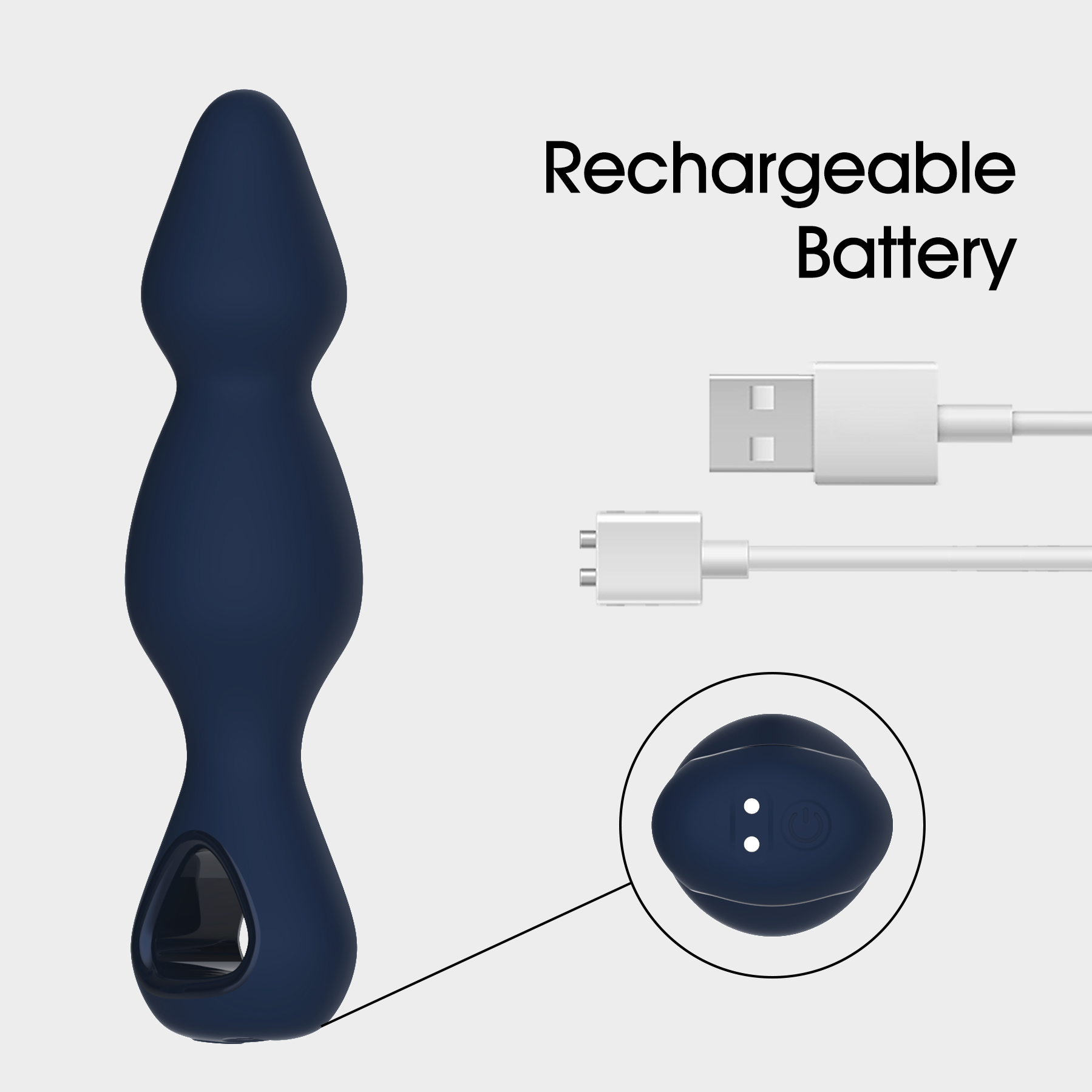
5. Magnetic charging
| Specification Details | Details |
| Product Weight | Main unit net weight ≈ 98g |
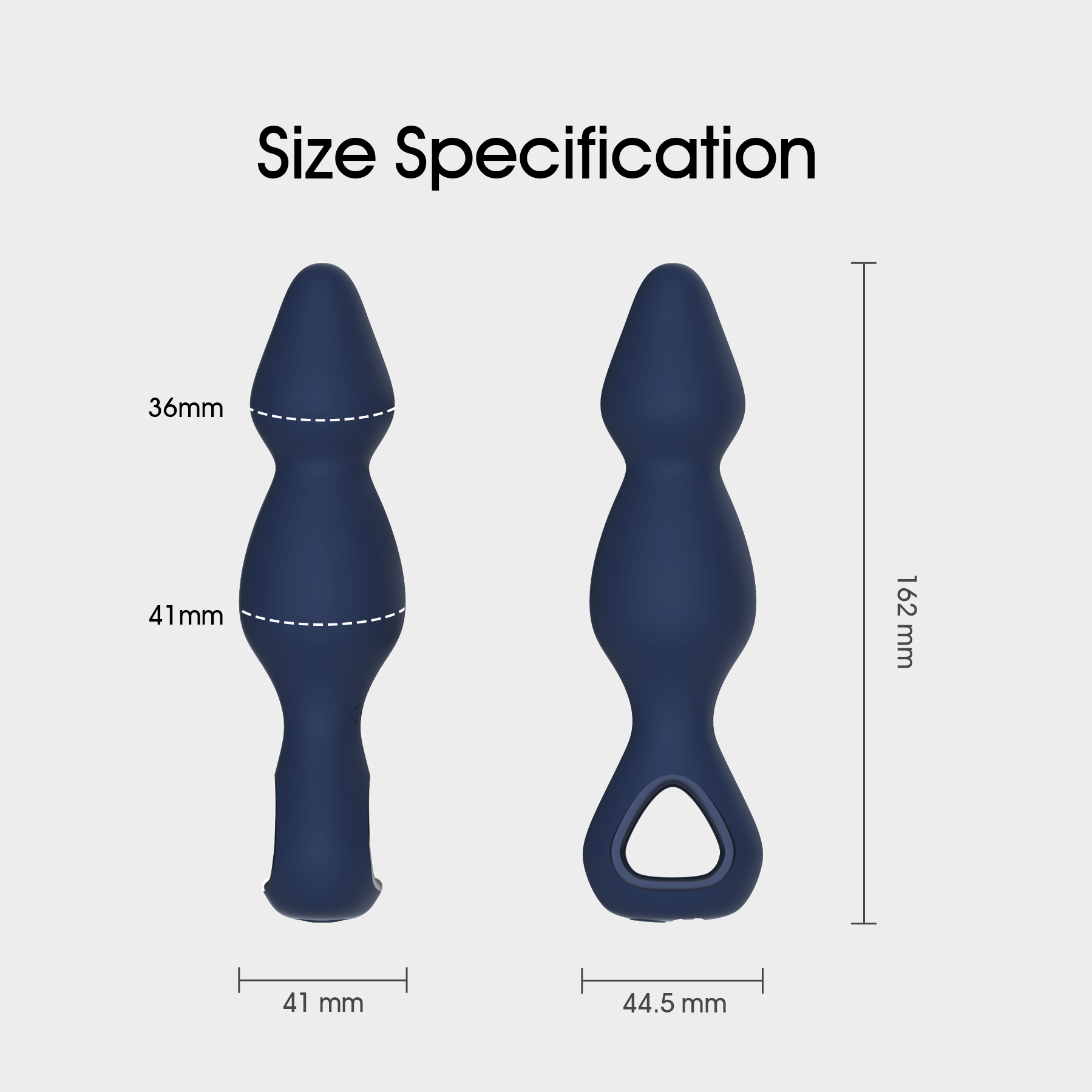
| Product Dimension | ≈ 162*36MM |
| Discharge Time | ≥ 40 mins |
| Charging Time | ≤ 90 mins |
| Operating Voltage | 3.7V |
| Operating Current | <1A |
| Shutdown Current | ≤ 10μA |
| Charging Voltage | 5V |
| Charging Current | 300mA |
| Waterproof Rating | IPX6 |
| Noise Test | ≤ 56dB at 30cm distance |
| Battery Model | 802022 |
| Battery Capacity | 250mAh |
| Certifications | □MSDS □ROHS □FDA □CE □FCC □38.3 |
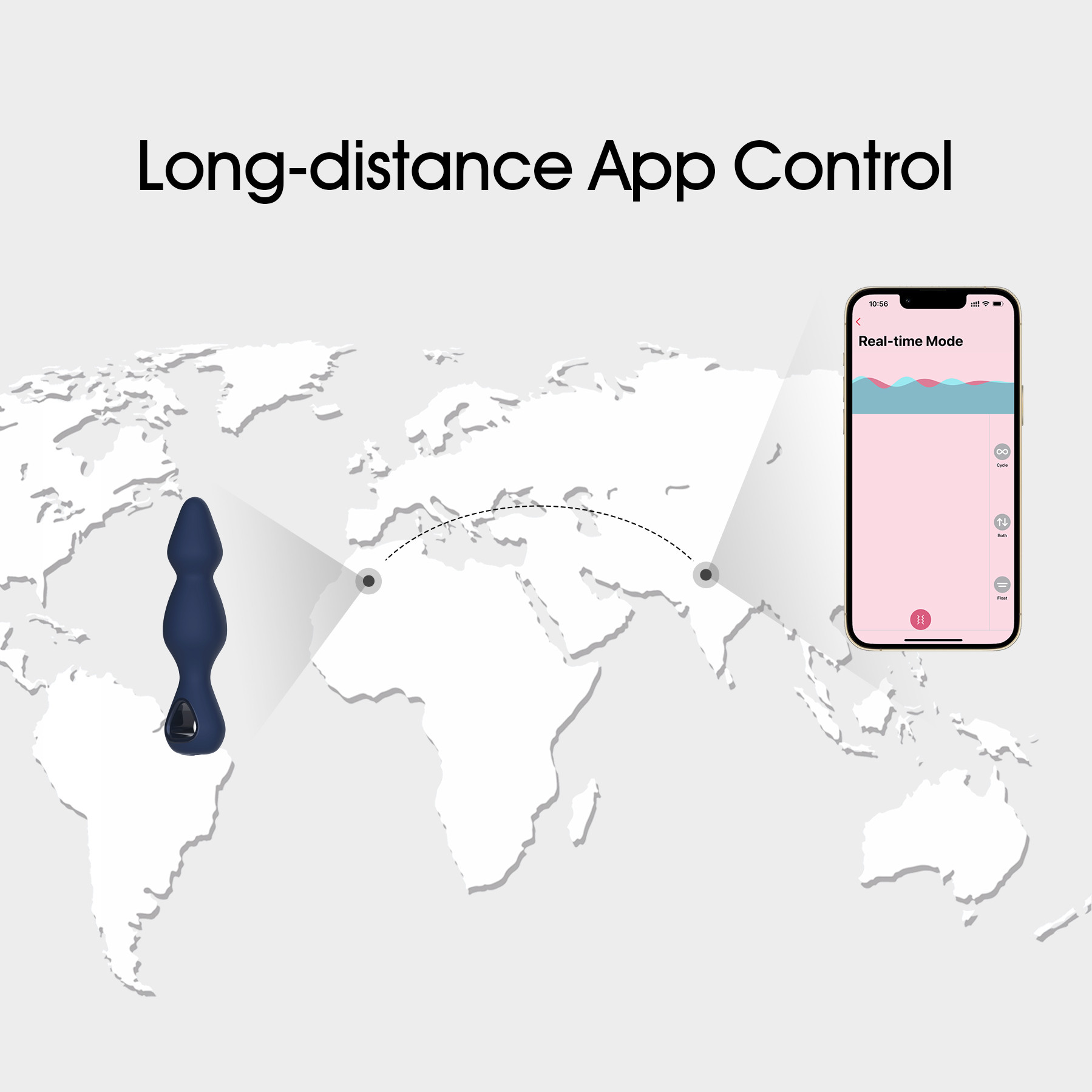
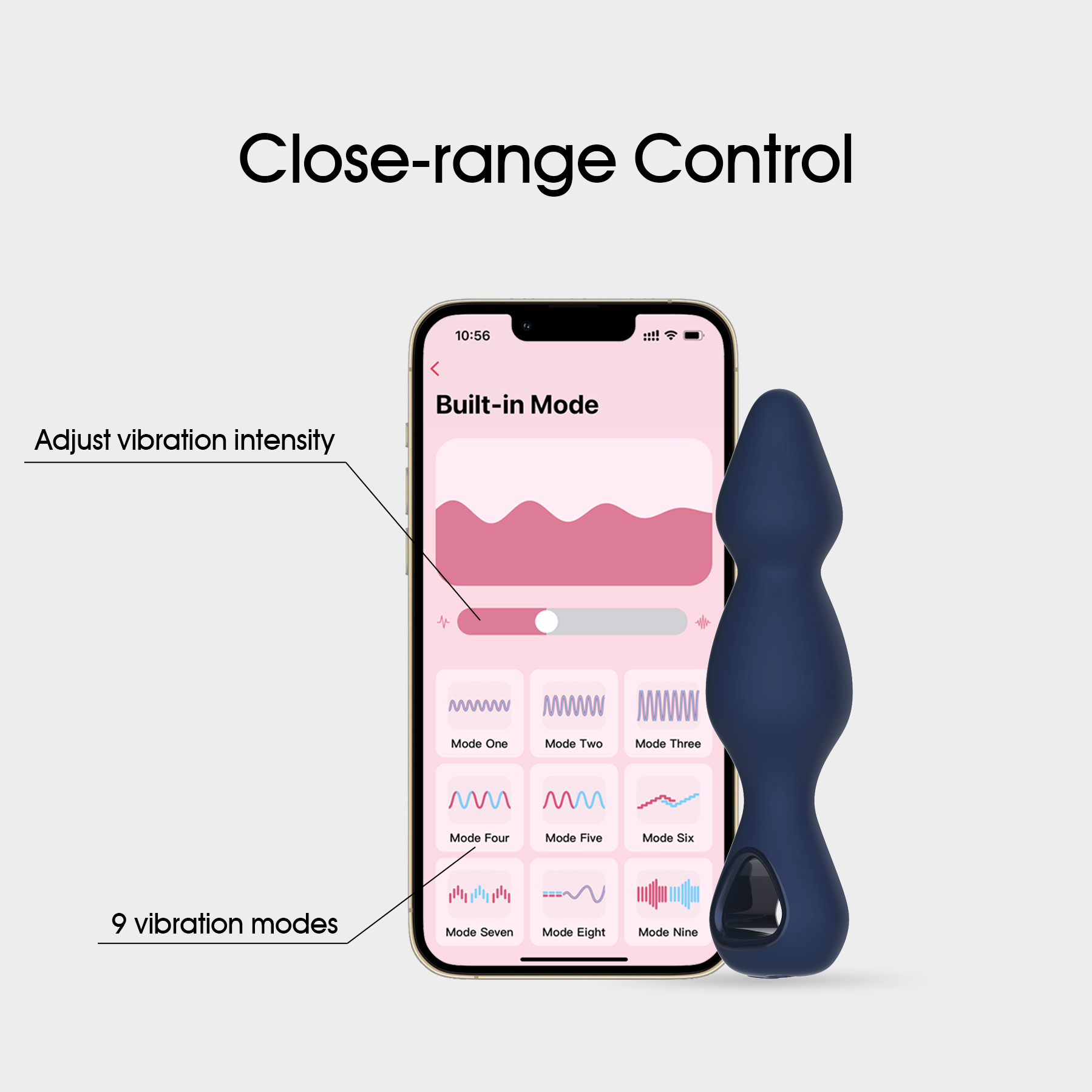
This App anal sex toy features 9-frequency oscillating vibrations (3 speeds with 6 variable frequencies). It is a smartphone app-controlled adult toy with magnetic charging capability.
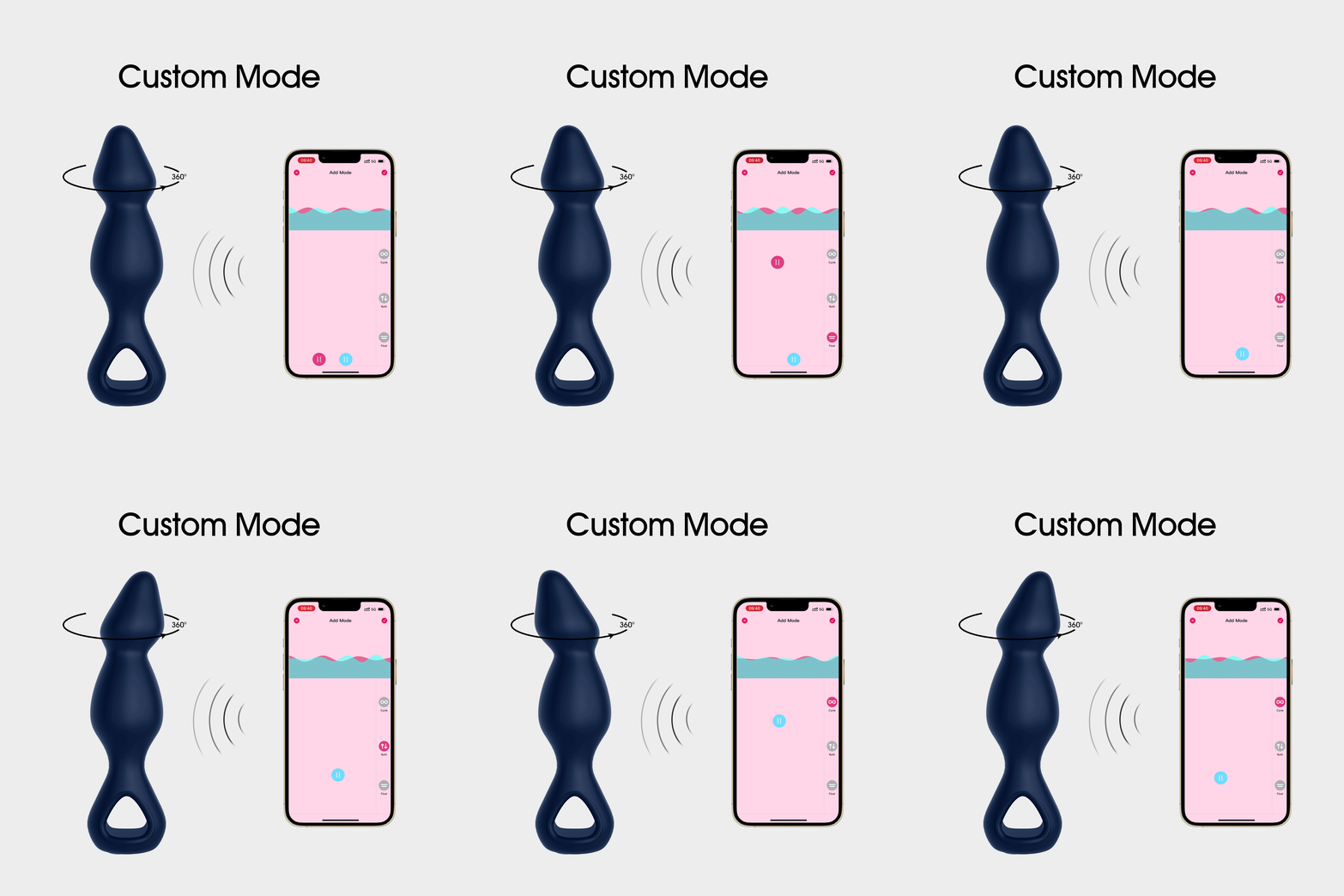
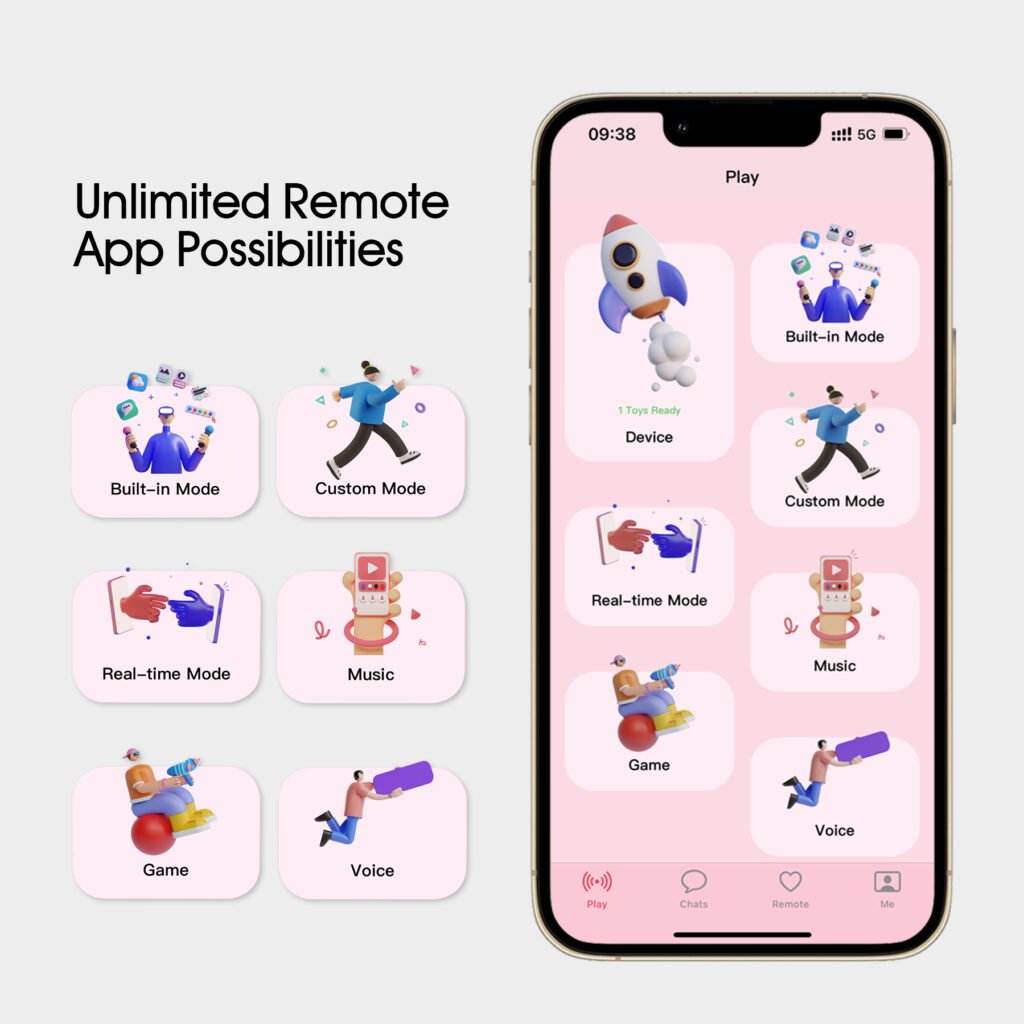
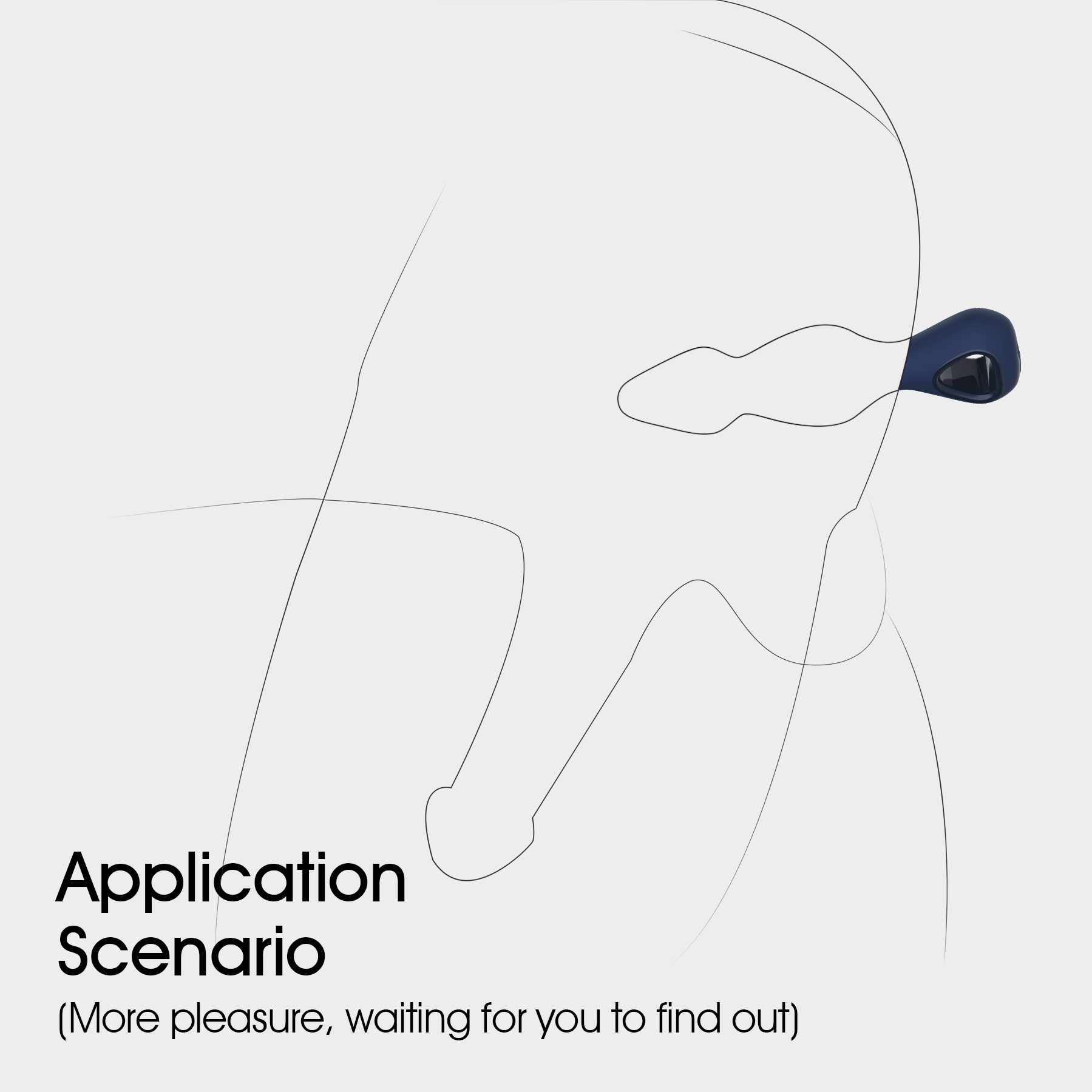
User Manual
- Power on. After pressing and holding the power button for 1.5 seconds, the device will vibrate for 0.2 seconds before entering standby mode. The power indicator light will be lit white. If the app or remote connection is not found while in standby mode, it will shut down automatically after 5 minutes.
- Frequency. In a standby mode, tap the power button to access the first vibration frequency. Every tap will bring you to the next frequency followed by a single light flash. Will cycle through 9 frequencies in order.
- Power down. While powered on, press and hold the power button for 1.5 seconds until the light goes out.
- Charging. While charging the white light will be flashing. When fully charged it will be illuminated.
- Pairing. After powering on, open the device interface in the app and select “Add Device”. The device will vibrate once, informing you of a successful pairing. Continue to follow the prompts regarding your app version on your phone screen.
- Battery low. The light will be flashing quickly until the device automatically shuts down.
- Use only the dedicated magnetic USB charging cable for charging.
Related products