


Wy0568 JULIA-Double Headed Wearable APP Panty Vibrator For Women
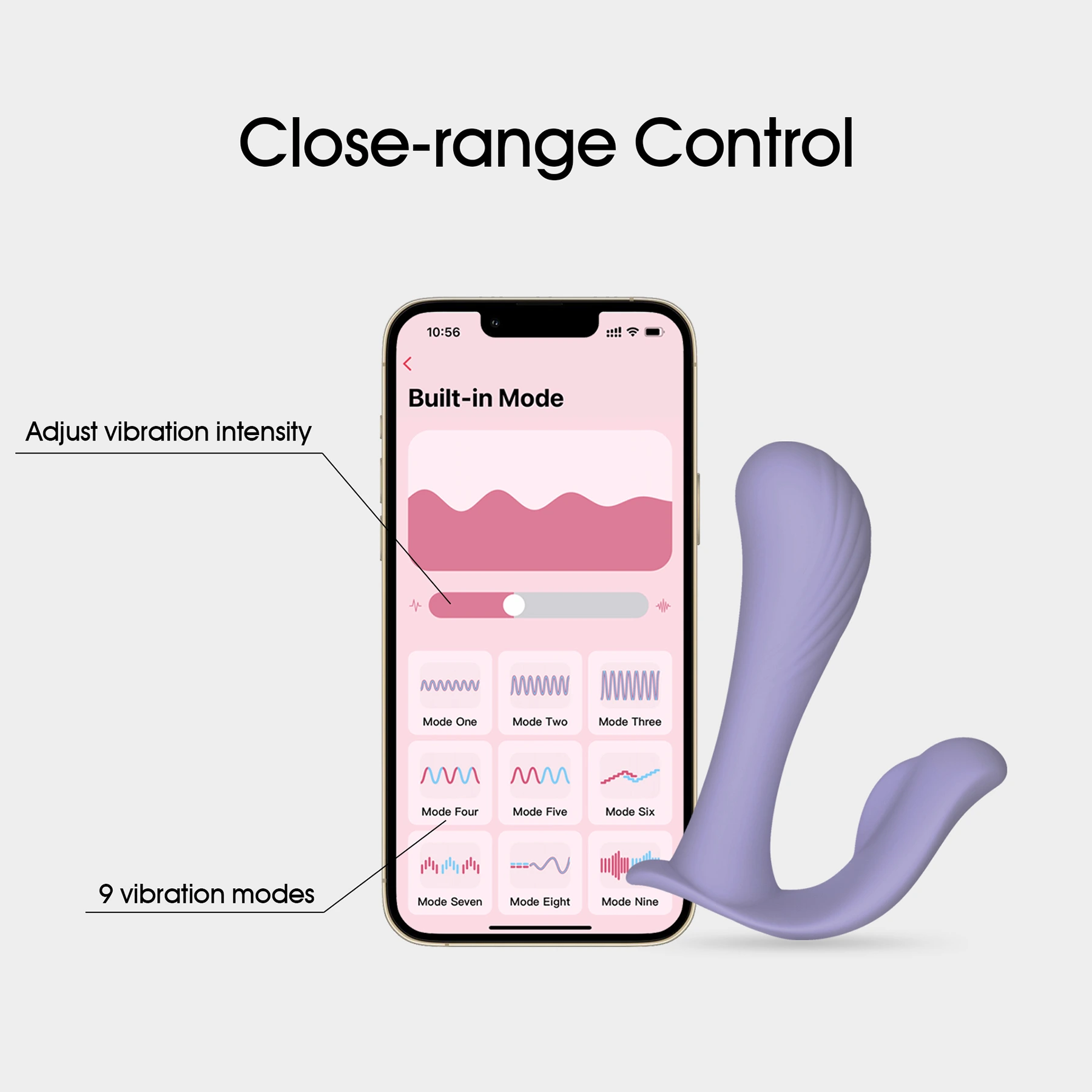
This female wearable app-controlled sex toy has two motors and is made of silicone and ABS. It has a lightweight and portable advantage, and has a nice new sleek and cute appearance and has 9 vibration frequencies, 3 speeds and 6 variable frequencies, and made it to hit the Amazon bestseller.
| Item | Specification |
| Product Weight | Main Unit Net Weight: approx. 93g |
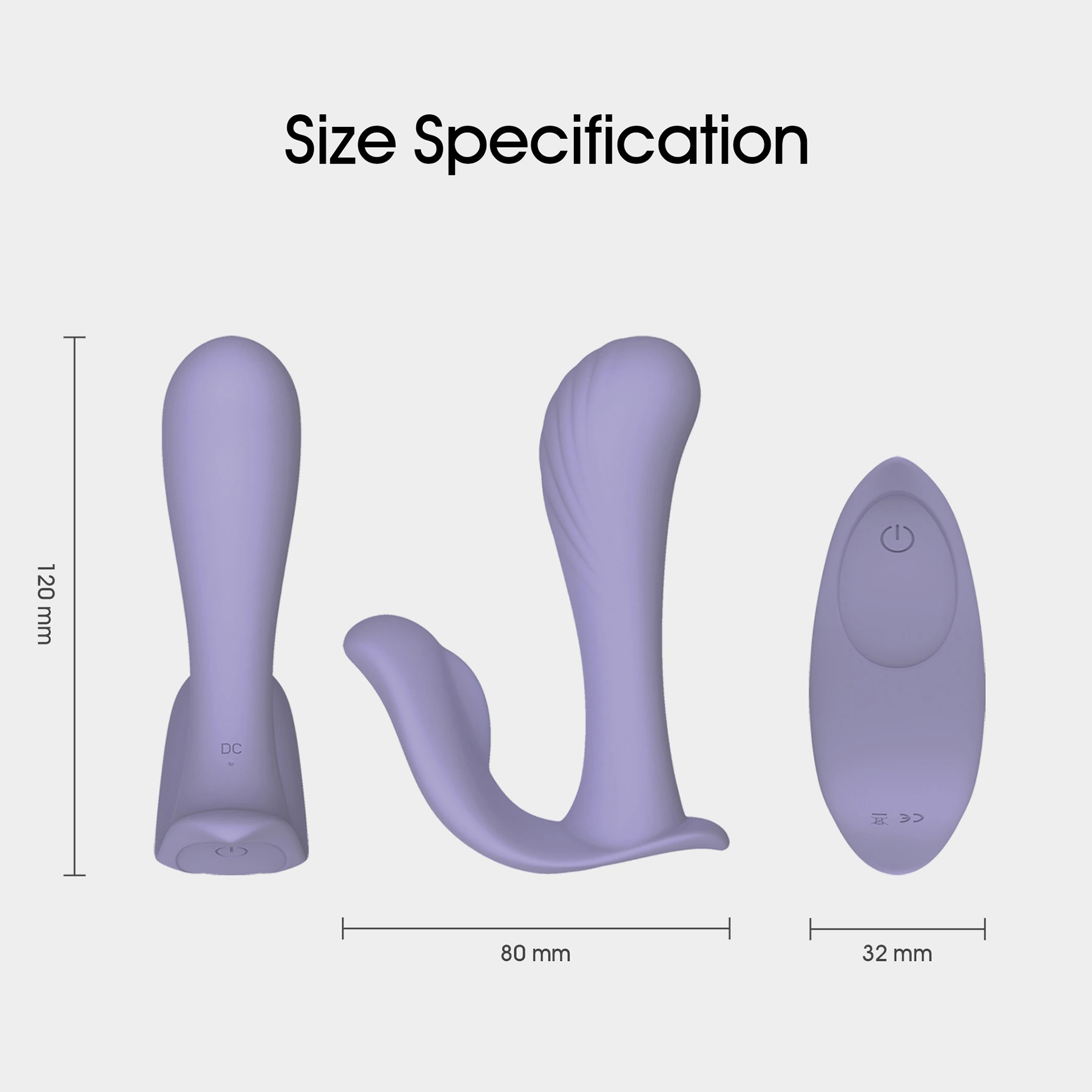
| Product Dimension | approx. 120*80mm |
| Working Time | ≥ 60 mins |
| Charging Time | ≤ 150 mins |
| Working Voltage | 3.7-4.2V |
| Working Current | 350-720mA |
| Shutdown Current | ≤ 10uA |
| Charging Voltage | 5V |
| Charging Current | 200-260mA |
| Waterproof Rating | IPX7 |
| Noise Test | ≤ 50dB at a distance of 30cm |
| Battery Model | 701250 |
| Battery Capacity | 380mAh |
| Relevant Certifications | MSDS, ROHS, FDA, CE, FCC, 38.3 |
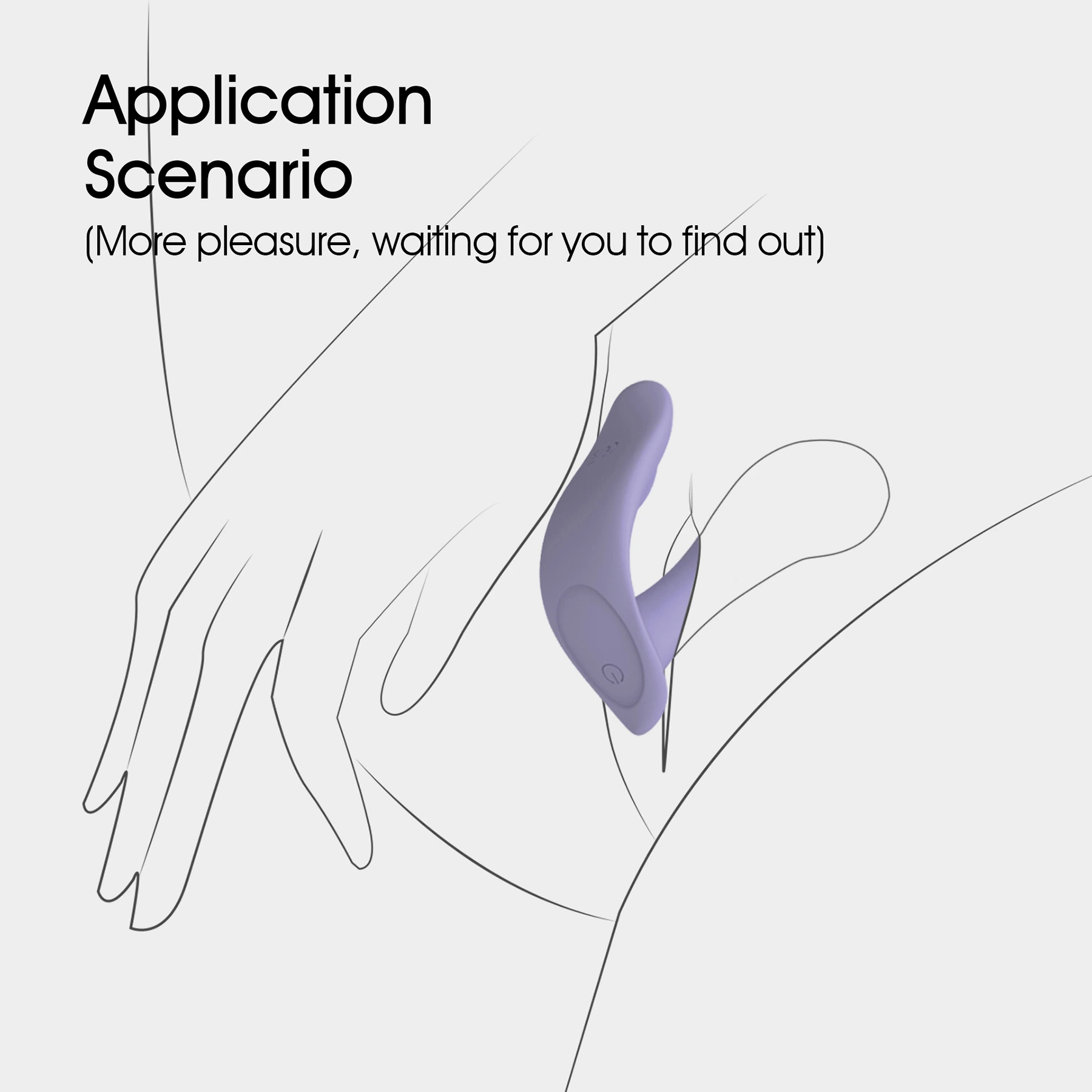
Designed specifically for couples with vaginas and known for its couples toys, Union was one of WINYI’s original bestsellers. The stronger “arms” fit inside the vagina, while the thinner “arms” slide over the clitoris and vibrate.


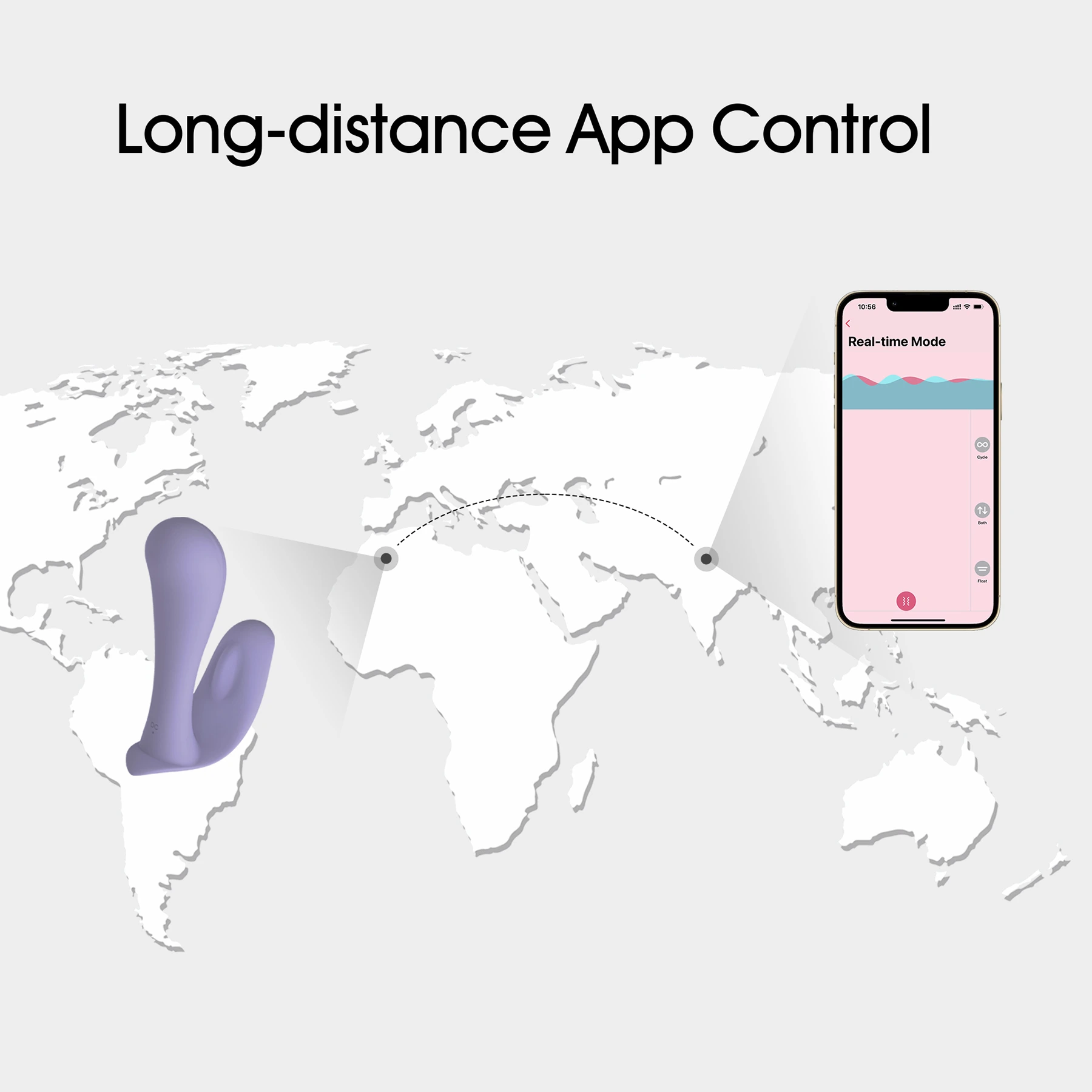
You can control the Wearable APP Panty Vibrator for a long distance, and if you have a male/penis partner, they can also penetrate you while you’re wearing it. That means you can share the Plug in APP vibrators with them, too.


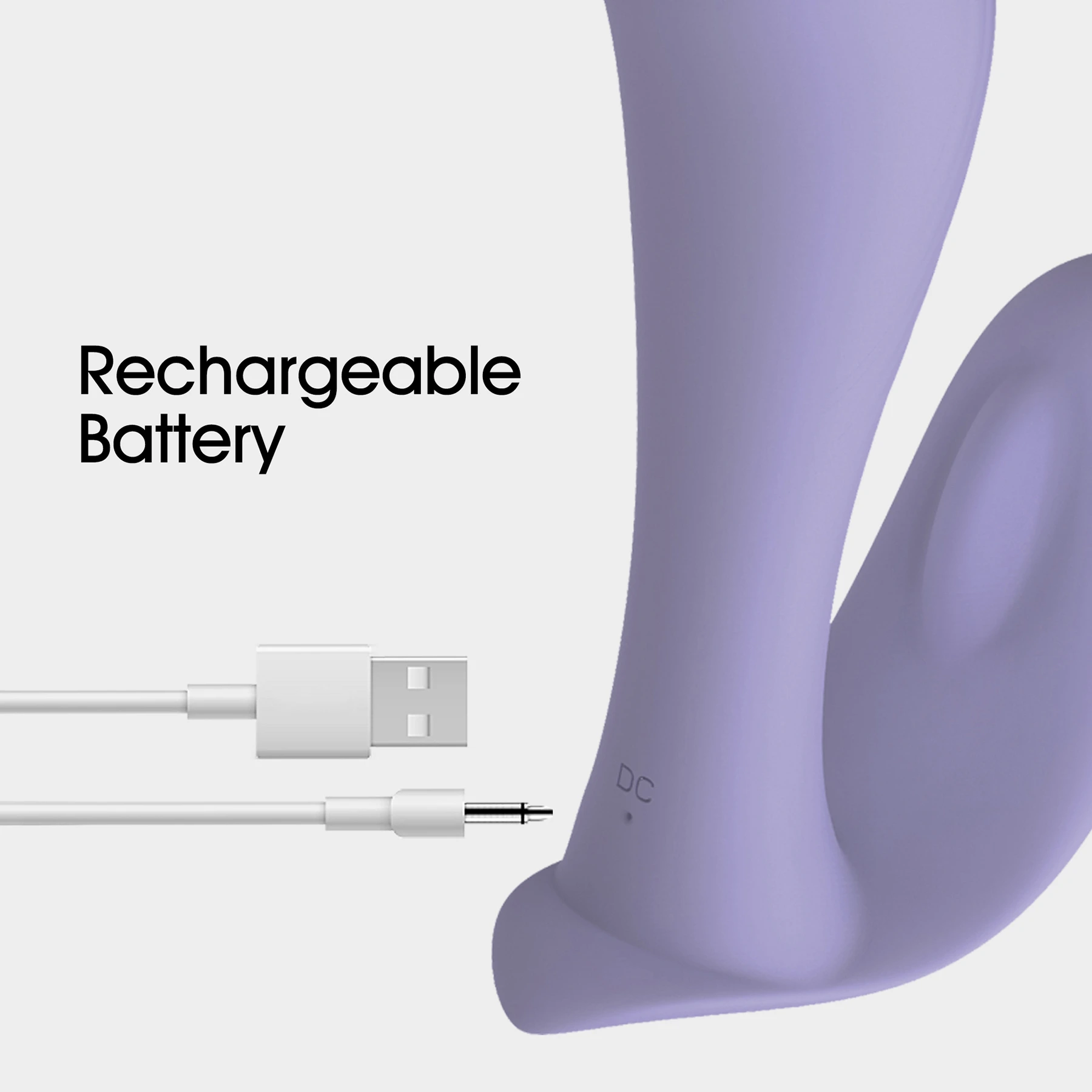
You could use Wearable app vibrator when you have a shower or swimming pool party. Amazing soft material brings you more exciting experience. Both products and remote control are USB rechargeable.
Instructions
1. To turn on, press and hold the power button for 1.5 seconds. The device vibrates for 0.2 seconds, and then enters standby mode, lit white. If it cannot find an app or remote connection while in standby mode, it shuts down automatically after 5 minutes.
2. To switch to the first vibration frequency in standby mode, tap the power button. Tapping once more changes the vibration frequency; the unit will light up once with each tap to indicate the change. It cycles through 9 frequencies sequentially.
3. When powered on, pressing and holding the power button for 1.5 seconds until the light goes out will power down the unit.
4. The white light flashes when charging. It lights steadily when fully charged.
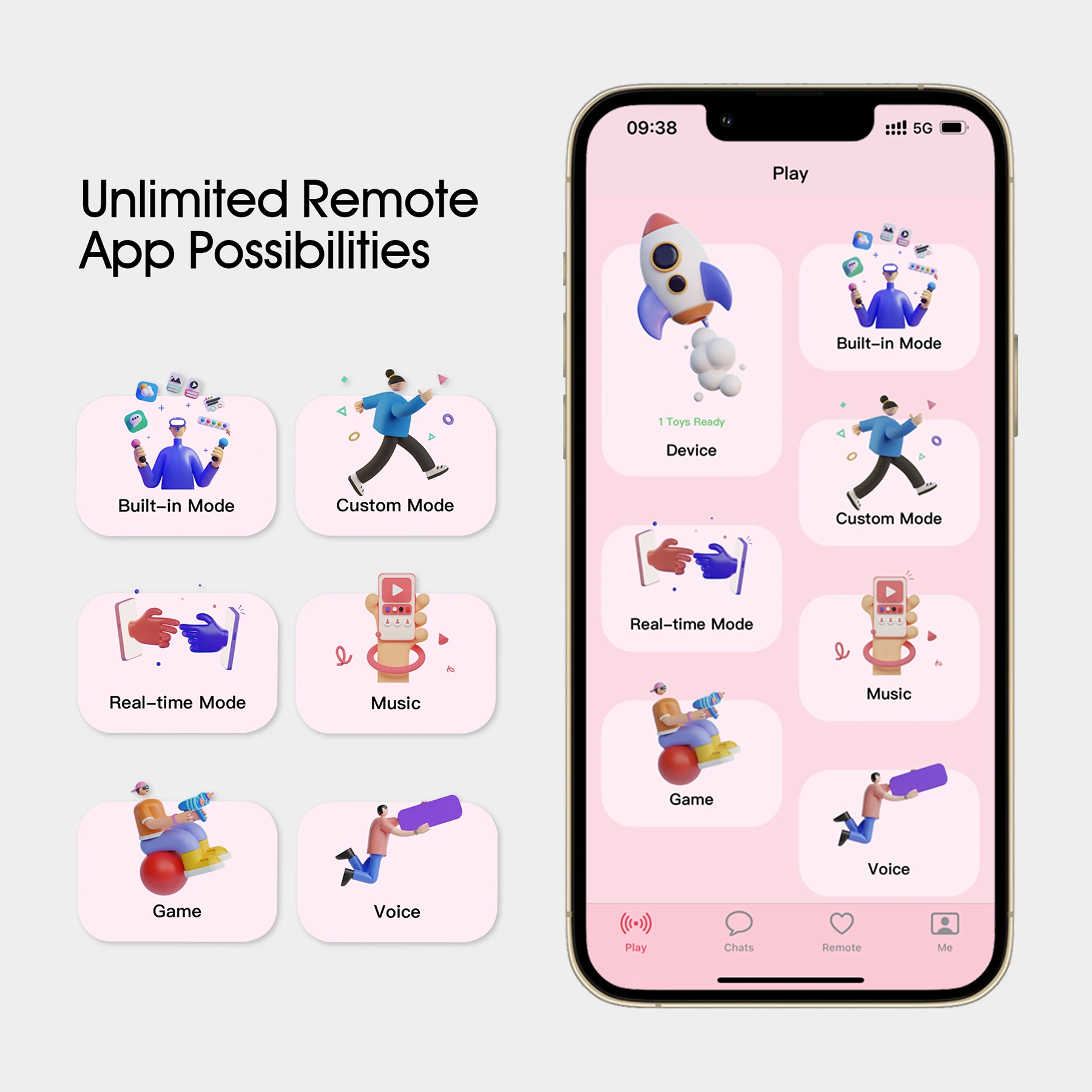
5. After powering on, access the device interface in the app, select “Add Device,” and follow the prompts to pair with your phone app version. It vibrates once on a successful connection.
6. The light flashes rapidly when the battery is low until it shuts down automatically.
7. Use the 15.5mmpin to attach the USB charging cable.
Related products


