

WINYI-APP Controlled Sex Toys
- Custom-developed APP by our factory
- Scan the code to get started right away.
- Supports remote control
- Product certified by FDA and LFGB
- We welcome you to join as an agent
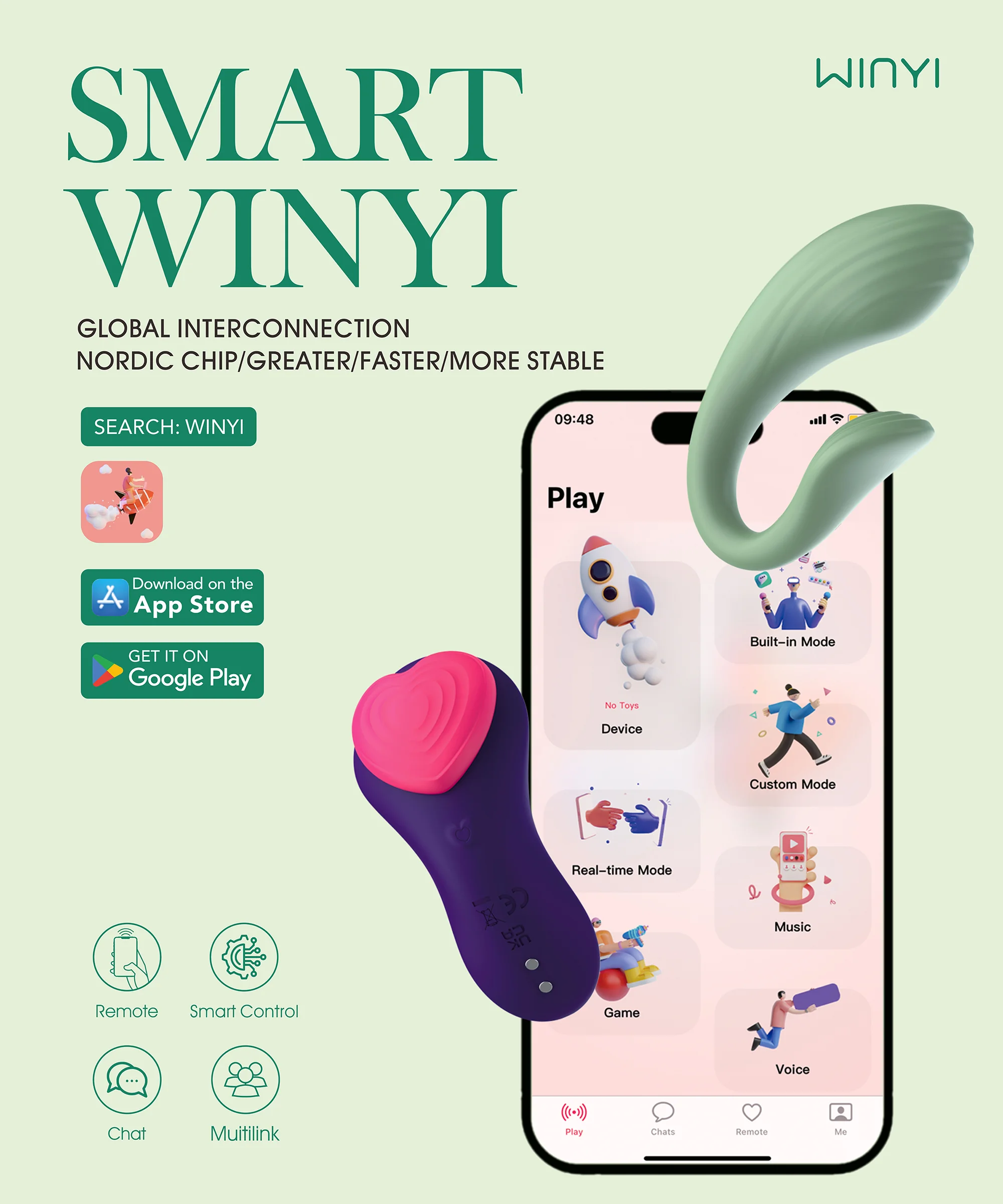
SMART WINYI-App controlled toy
Demo of WINYI APP Love Egg Vibrator Sex Toy
As a leading manufacturer specializing in premium adult products, we take pride in offering fully customizable Love Egg Vibrators paired with our proprietary mobile APP.
With years of OEM/ODM experience, we deliver tailored solutions to meet your unique brand requirements—from product design, material selection, and vibration modes to APP interface customization and branding.
Our in-house developed APP enables seamless Bluetooth connectivity, intuitive control, and personalized vibration pattern creation, elevating user experience to new heights.
App Controlled Toy Product
FAQ
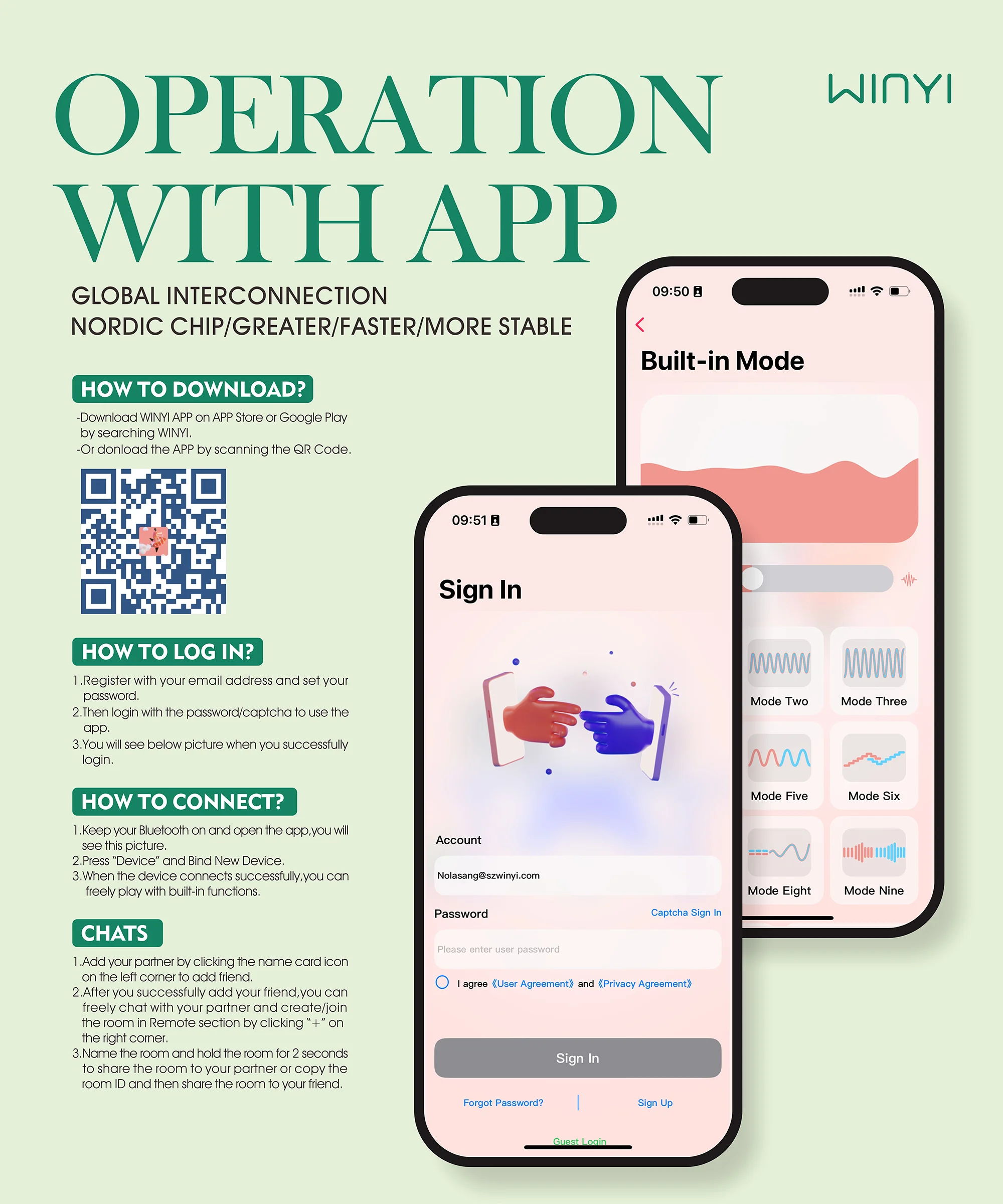
1. How do I download the WINYI?
APP controlled toy
-Download WINYI APP on APP store or Google play by searching WinYi
-Or download the APP by scanning the QR Code
2. Which products work with this App?
Sheila and My Love are suitable for WINYI.More products are available soon..
3. How many toys can I connect at a time?
You can connect up to 7 toys to one device at a time.
Yes we take user privacy very seriously and have you can check our privacy agreement.
5. Can I connect a toy to two different devices at the same time?
No,each toy can only be connected to one device at a time.
6. Why does the app need to access my phone’s storage, camera, microphone, etc.?
These permissions are required to enable the app’s features. You can choose to not allow permission from your phone’s on-screen prompt or change it in your phone’s settings. Some features will not be available without certain permissions enabled.
7. Do my partner and I both need an account?
Yes, both of you need to create a separate account and then add each other as friends in order to use long-distance control.
WINYI APP Sex toys can be controlled no matter the distance, as long as you both have Wi-Fi or a 4G/5G data connection. Read how to set it up here.
9. Does it work if my partner doesn’t have a toy?
Yes. Your partner does not need a toy to control your toy through the WINYI app. You both just need an account and Wi-Fi or a 4G/5G data connection.
10. Can my friends see each other?
No, only you have access to your friend list and they cannot see each other.
Click the contact and enter details page, you can click the “delete contact” tab to delete contact.
Click the contact and enter details page, you can click the “add to block list” tab to block contact.
From the Chat tab, tap the icon in the top left corner and choose “Blocked”. Tap the user you wish to unblock and disable the “Block this contact” toggle switch.
14. How do I sync music with the WINYI app?
WINYI APP can sync with music stored on your device.
15. What does “Sticky to top” mean?
After enabling this option, your chat with that user will show at the top of the Long Distance tab.
16. Can I change the toy’s name in my phone’s settings?
Currently, the toy’s name cannot be changed in your Bluetooth settings. You can change your toy’s name in the app. After connecting the toy, tap “Edit” underneath the toy’s name.
17. Can I change the email address?
Can I change the email address linked to my account if I misspelled it or I want to change it?For account security purposes, we are unable to change the email address associated with your account in our back-end system. If you want to change it, you can only create a new account.
18. What does “Firmware Upgrade” mean?
Firmware upgrade can help improve the Bluetooth connectivity of the toy. To update your toy’s firmware, tap the “Firmware upgrade” icon and follow the in-app instructions. If you don’t see this icon, don’t worry, it means your toy is up to date.
As long as you have a stable internet connection and have downloaded the WINYI app, your partner can control your toy from any distance!
You both need to connect via the app and once connected,and your partner will see different control options about your toy and they don’t need to own the toy to use these remote control options.
I’m being asked for my pairing code to connect via Bluetooth. What is the pairing code?Do not try to pair the toy to your phone’s Bluetooth settings. Please follow the instructions above to connect your toy. A pairing code is not required.
21.The Bluetooth of the toy sometimes disconnects from the application, what should I do?
Method 1: Open the Bluetooth settings management of the device, disconnect all devices from the Bluetooth connection, and then restart the device, (after restarting, you can reconnect other Bluetooth devices)
Method 2: Make sure only one device is trying to connect to the toy
Method 3: Uninstall and reinstall WINYI
You can try to connect the toy with other devices to test if the same problem occurs.
22.Why can‘t I download the app?
Kindly check your phone’s system version.
If you are using Android system,please make sure it’s no less than version Android 10.0;
If you are using IOS system,please make sure it’s no less than version IOS 13.0.
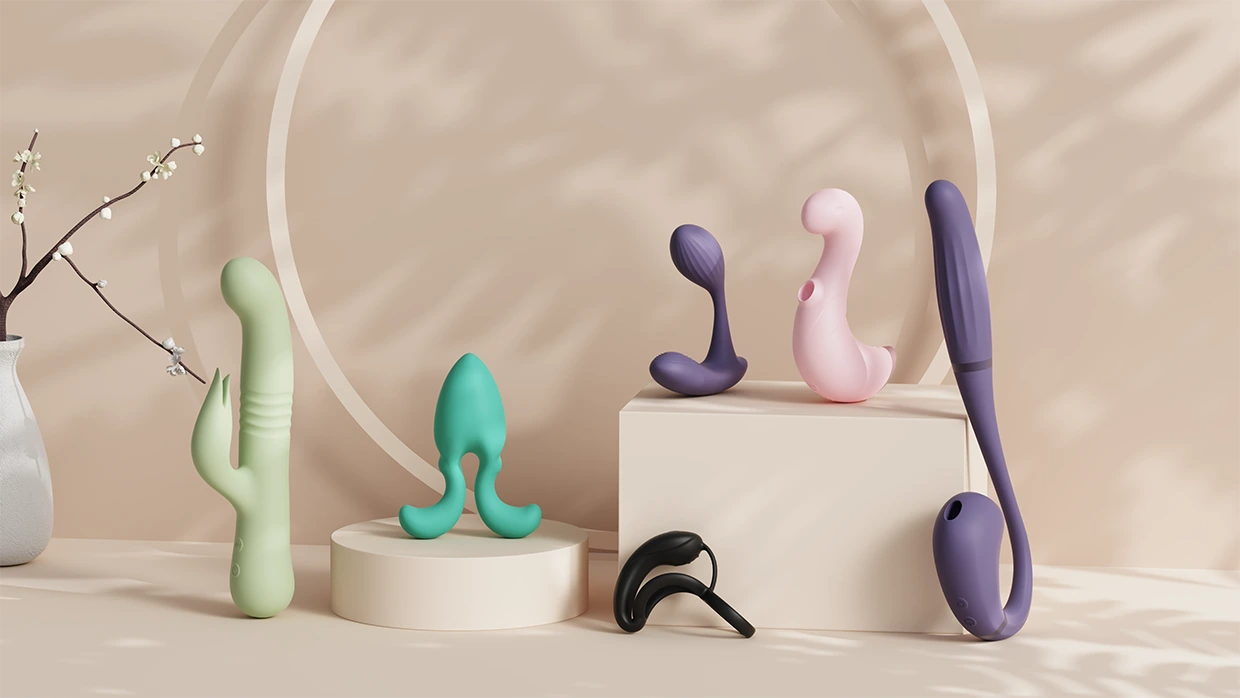
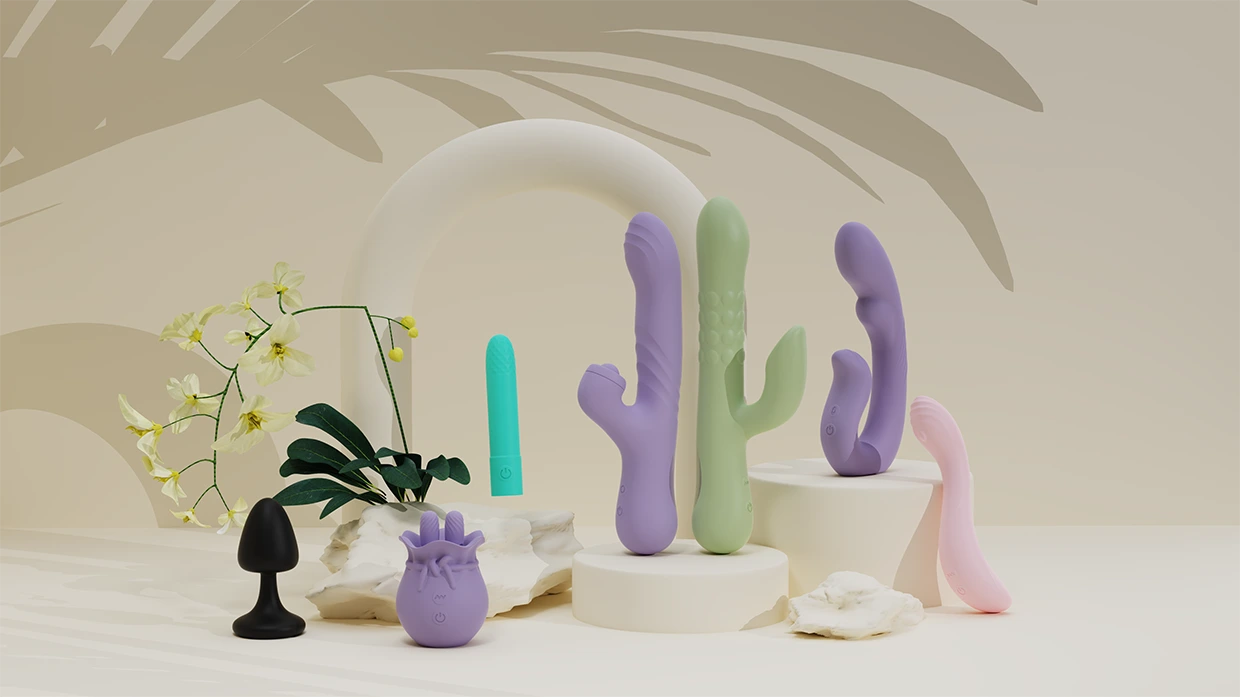
New Design-Get a Free Quote
Learn more about app controlled toy please contact us
Click to get new catalog